
Did you know that retail shrinkage now costs businesses billions annually? A big part of this happens right at the checkout. As we move to automated kiosks, revenue leakage is becoming a big problem for store owners.
Many retailers find it hard to keep customers happy while also keeping their store safe. They need to find a way to balance these two things.
I’ve seen how missed scans and sweethearting hurt store profits. Just watching people manually isn’t enough to keep your store safe anymore. By using advanced self-checkout theft detection, you can keep your store safe without making things hard for customers. This guide will help you learn how to stop these problems.
Key Takeaways of Theft Detection
- Retail shrinkage is increasingly driven by automated terminal vulnerabilities.
- Automated systems are vital for identifying irregular customer behavior in real-time.
- Proactive technology helps maintain a balance between security and customer convenience.
- Modern solutions effectively mitigate risks associated with human error and intentional fraud.
- Implementing these strategies is a necessary step for protecting long-term store profitability.
Understanding the Scope of Self-Checkout Theft
I’ve seen how self-checkout tech makes it easier for thieves. Stores use these systems more, but they also lose more money. This is because old security methods can’t keep up with new theft tricks.
Defining Missed Scans and Sweethearting
Missed scans happen when someone puts items in their bag without scanning them. They do this fast to avoid being caught by staff or machines.
Sweethearting is when someone scans an item but doesn’t pay for it. This is hard to spot because it looks like normal shopping.
| Theft Type | Primary Method | Detection Difficulty |
|---|---|---|
| Missed Scan | Bypassing the scanner | High |
| Sweethearting | Fake scanning motion | Very High |
| Weight Manipulation | Swapping item labels | Medium |
The Financial Impact on UK Retailers
Shoplifting has gone up a lot in the UK. It’s now 93% higher than before 2019. This is really hurting store profits.
Stores need to do more to stop theft. These losses are small but add up. Just checking things by hand isn’t enough anymore.
I think stores need special tools to fight these thefts. Without them, the losses will keep going up. Stores need to invest in new tech to stay safe.
Implementing Automated Self-Checkout Theft Detection Systems
I think loss prevention starts with the right tech. To fight retail shrinkage, you need to go beyond watching manually. You need to find a balance between new tech and keeping things simple.
Selecting the Right Hardware for Your Store
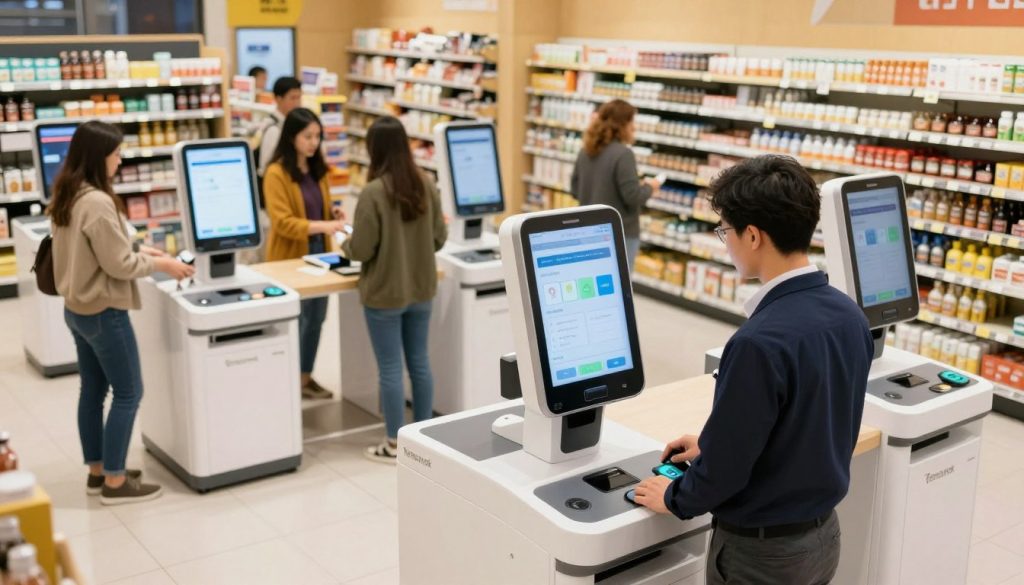
You don’t always need to spend a lot on new security. For example, the SAI Group’s system works well with common cameras. It uses special devices to watch things in real-time without costing too much.
This way, you can watch over more lanes without spending a lot. Choosing flexible hardware helps your store stay ready for new problems. You can save money by focusing on smart software instead of expensive gadgets.
Integrating Software with Existing Point-of-Sale Systems
The best part of an automated system is how it connects video with sales data. By linking it to your POS, you can spot sweethearting or retail fraud right away. This makes it easy to track any suspicious activity.
“The integration of visual intelligence with transaction data is the single most effective way to turn raw video into actionable loss prevention insights.”
Ensuring Compatibility with Legacy Infrastructure
Many stores worry that old systems will stop them from using new security tools. But, modern software can work with old hardware. You can keep your current kiosks and add new detection software.
This way, you don’t have to spend a lot on new equipment. Seamless integration helps you save money and keep your store running smoothly. It’s a smart way to update your security without causing trouble.
Data Privacy and Compliance Considerations
Using surveillance tech means you must protect data and follow laws. In the UK, you need to follow GDPR and other data laws. Keeping customer info safe is as important as stopping theft.
Telling your customers about your security is key. Being open helps keep their trust and stops bad people. Here’s what you need for a good system.
| Requirement | Standard Approach | Advanced Benefit |
|---|---|---|
| Camera Type | Analog/IP | High-Definition Clarity |
| Processing | CPU-based Edge | Cost-Effective Scaling |
| Integration | POS Data Link | Real-time Fraud Alerts |
| Compliance | GDPR Standards | Customer Data Protection |
Step-by-Step Guide to Configuring Weight-Based Verification
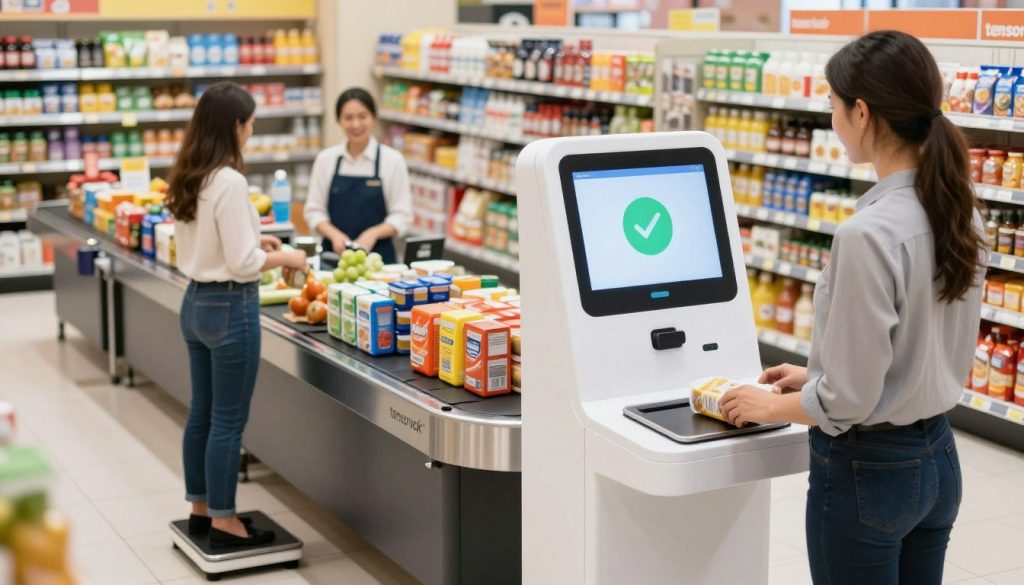
Start by calibrating your checkout scales to reduce scan errors. Use weight-based verification to check the item’s weight against your product database. This method helps ensure every item scanned is correct.
Calibrating Scale Sensitivity for Accurate Item Recognition
Accuracy is key for a reliable system. Calibrate each scale unit to handle vibrations and surface changes. Consistent accuracy helps the system tell apart light snacks from heavy items.
Do these tests when it’s quiet to check if the scales work right. Proper calibration stops the system from wrongly flagging items. This keeps things running smoothly.
Setting Thresholds for Unexpected Weight Alerts
After calibrating, set up alert levels for scan mismatch. If the weight doesn’t match the database, alert the system. Use a tiered system for alerts, with small changes getting a soft notice and big ones needing staff action.
This method helps catch theft while allowing for small weight changes. It keeps your security strong but also flexible for everyday retail.
Managing False Positives to Maintain Customer Flow
Too many false positives can hurt the customer experience. Watch your alert logs to find items that cause too many stops. If a product keeps causing problems, adjust its weight setting or database entry.
It’s important to balance security with speed to keep lines moving. Minimizing stops makes shopping smoother, keeping customers happy.
| Sensitivity Level | Detection Accuracy | Intervention Rate | Customer Impact |
|---|---|---|---|
| High | Maximum | Frequent | High Friction |
| Medium | Balanced | Occasional | Low Friction |
| Low | Minimum | Rare | Seamless |
Utilizing Computer Vision for Real-Time Scan Monitoring
My experience shows that Visual AI changes how we prevent loss. With computer vision, I can watch every transaction in real-time. This keeps our store inventory safe.
This tech is like a silent guard. It watches the checkout area. It makes sure every item is scanned before the customer leaves.
Deploying Overhead Cameras for Behavioral Analysis
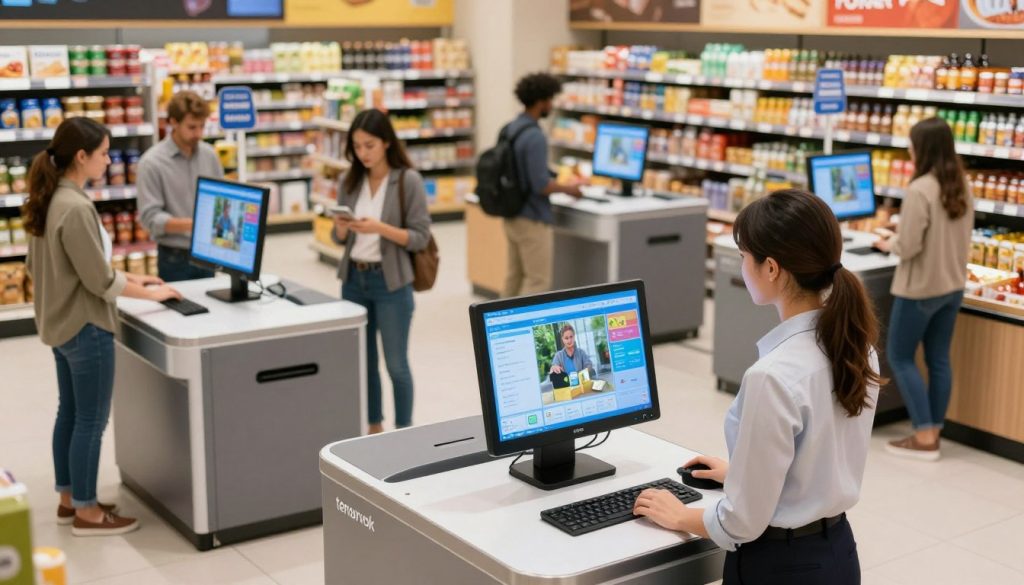
I suggest putting overhead cameras in the bagging area. This gives a clear view of everything. It lets the system track how products move from basket to scale.
This way, it can tell if someone is trying to steal. It spots the difference between normal shopping and theft.
Training AI Models to Recognize Unscanned Items
Today’s systems can spot specific objects. This helps catch scan mismatches. If someone puts an item in their bag without scanning it, the AI knows right away.
This quick action cuts down on missed scans. It tells the shopper about the mistake right away.
Automating Alerts for Suspicious Movement Patterns
Automated alerts are key for keeping things safe without slowing down honest shoppers. If the system sees sweethearting or odd behavior, it gently reminds the shopper.
Thanks to POS integration, the SAI Group’s SCO Monitoring feature gets over 90% of shoppers to correct themselves. This smart system means staff only step in when really needed. It keeps shopping smooth and quick.
Managing Staff Intervention and Customer Experience
Stores that do well let their staff use data to help customers. Technology is key in fighting retail shrinkage, but it’s not everything. Good loss prevention comes from working together with your team and the tools they use.
Training Employees to Respond to Automated Alerts
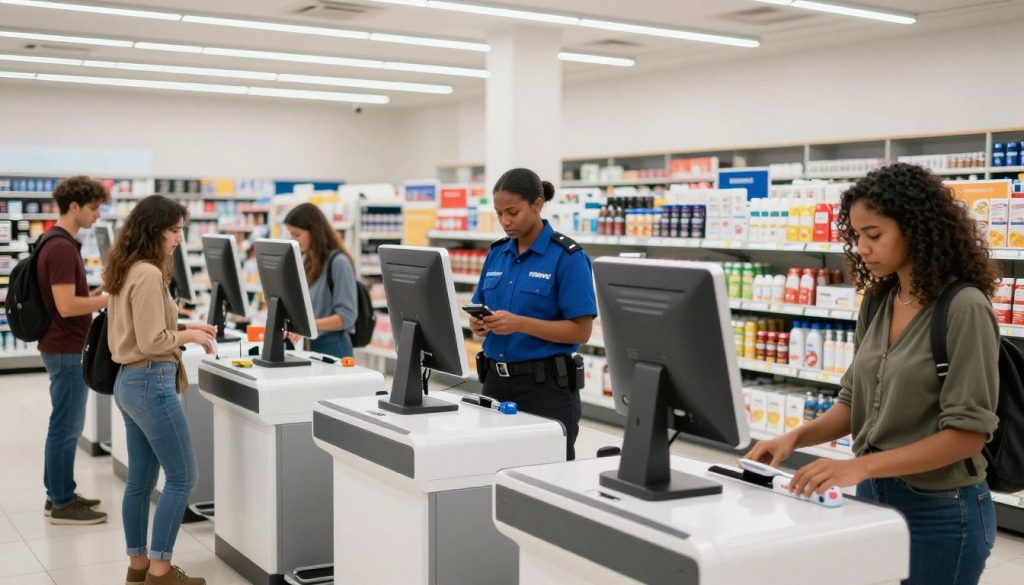
Systems like Tentovision send out automated alerts for staff to check. It’s important for your team to see these tools as helpers, not critics. With POS integration, they get data right away to make smart choices.
Training should teach them to understand visual AI without jumping to conclusions. Managers should make sure a human makes the final decision. This makes your team feel in charge and builds trust.
Balancing Security Measures with Customer Convenience
Keeping your store safe doesn’t mean you can’t have happy customers. Make security checks feel like part of the shopping process. When checking out, staff should be friendly and helpful, not suspicious.
Consistency is key in these efforts. If shoppers see security checks as fair and clear, they’ll be more likely to accept them. Keeping things smooth helps protect your sales and respects your customers’ time.
Handling Discrepancies Without Alienating Shoppers
Even with great tech, scan mismatches can happen. How your staff deals with these moments shapes your brand’s image. Teach them to think a mistake, not fraud, is the first guess.
A simple, kind question can solve a mismatch without making anyone feel bad. Empowering your staff to help, like rescan an item, turns a problem into a service. This keeps your customers happy and coming back.
Conclusion
Modern retail needs a strong fight against inventory loss. Using automated theft detection systems is key for any business owner. It helps keep profits safe.
Creating a secure checkout area is possible with visual AI, point-of-sale integration, and staff training. These tools help prevent missed scans and sweethearting. This way, your profits stay safe.
Begin by checking your store’s high-shrink areas. Start using these technologies step by step. This makes it easier for your team and customers.
Keeping your store safe is an ongoing task. You can stop theft and keep customers happy at the same time.
What will you do today to improve your store’s security? Share your ideas or contact us to see how these systems can help your business.