
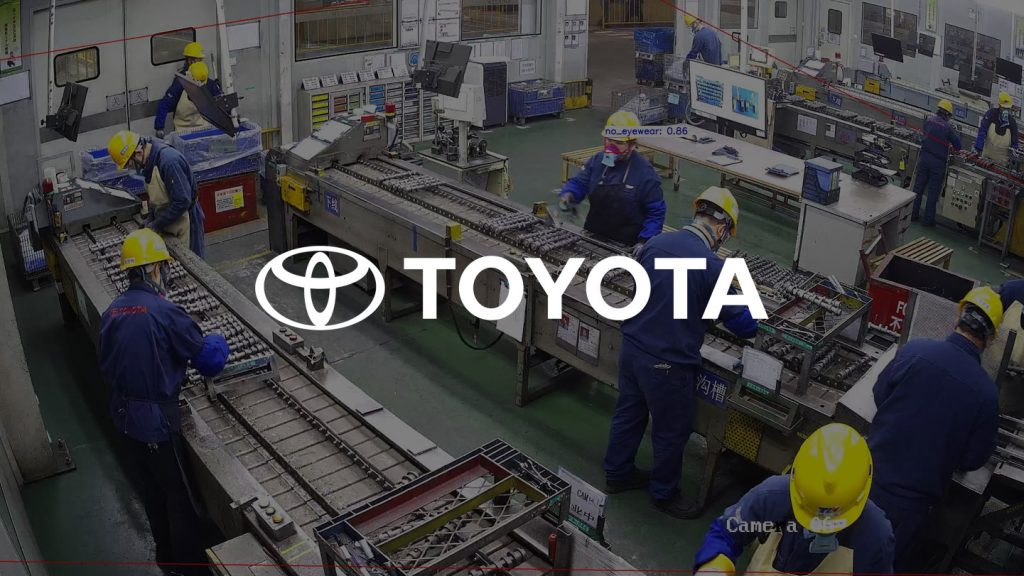
Why AI Helmet Detection Matters for Construction Safety
Construction sites are high-risk environments where personal protective equipment (PPE) compliance can mean the difference between life and injury. Hard hat violations — especially when unmonitored — increase the risk of head trauma from falling objects, debris, or structural collapse. Traditional manual checks are inconsistent, time-consuming, and often reactive.
Enter AI helmet detection. By leveraging computer vision, AI-powered systems automatically detect whether workers are wearing hard hats in real time. This enables proactive safety enforcement, reduces liability, and supports compliance with workplace safety regulations such as Singapore’s Workplace Safety and Health (WSH) Act and MOM audit requirements.
Prerequisites for Deploying AI Helmet Detection
- Existing IP cameras or analog CCTV systems with RTSP output
- Network access to camera feeds (LAN/Wi-Fi)
- Basic IT infrastructure (routers, switches, power supply)
- Designated security or HSE team member to oversee deployment
- Clear identification of high-risk zones (e.g., crane areas, scaffolding, excavation sites)
Step-by-Step: How to Set Up AI Helmet Detection
- Assess Your Camera Network
Verify that your existing cameras support RTSP streaming. Most modern IP cameras do. If you have analog systems, use an NVR with RTSP export capability. - Install TensorVok AI Video Analytics
Deploy the TensorVok AI Video Analytics software on a local edge device (e.g., NVIDIA Jetson, Intel NUC, or dedicated server). The system requires no cloud dependency — processing happens locally, ensuring data sovereignty and compliance with PDPA and other privacy laws. - Connect Camera Feeds
Add each camera’s RTSP URL to the TensorVok dashboard. Use the built-in discovery tool to auto-detect compatible streams across your network. - Configure AI Detection Zones
Draw virtual boundaries around high-risk areas (e.g., near cranes, trenches, or elevated platforms). Within these zones, enable hard hat AI detection and set sensitivity levels based on lighting, camera angle, and worker movement patterns. - Set Up Alerts & Notifications
Define alert rules: e.g., “Notify supervisor if 3+ workers without helmets are detected in Zone A within 5 minutes.” Choose notification channels: email, SMS, or integration with existing HSE dashboards. - Calibrate for Accuracy
Run a 48-hour test period with real-time monitoring. Adjust detection thresholds to reduce false positives (e.g., partial helmet coverage, reflective surfaces). TensorVok’s algorithms are trained on diverse construction scenarios to minimize errors. - Enable Audit-Ready Reporting
Generate daily, weekly, or monthly reports showing helmet compliance rates, incident timelines, and zone-specific trends. These reports are pre-formatted for submission during WSH audits in Singapore and align with international safety standards.
Common Pitfalls and Field Tips
- Pitfall: Overloading the edge device with too many camera feeds.
Tip: Start with 4–6 critical zones. Scale gradually. TensorVok supports up to 32 camera streams per edge node. - Pitfall: Poor lighting causing false negatives.
Tip: Avoid placing cameras in direct backlight or shadow zones. Use IR-capable cameras or install supplemental lighting. - Pitfall: Workers removing helmets briefly during breaks.
Tip: Configure grace periods (e.g., 10 seconds) before triggering alerts. Focus on sustained non-compliance. - Pitfall: Misaligned camera angles leading to missed detections.
Tip: Position cameras at eye level or slightly above, facing workers’ heads. Avoid overhead-only views unless combined with side-angle feeds.
How TensorVok AI Video Analytics Powers Reliable Helmet Detection
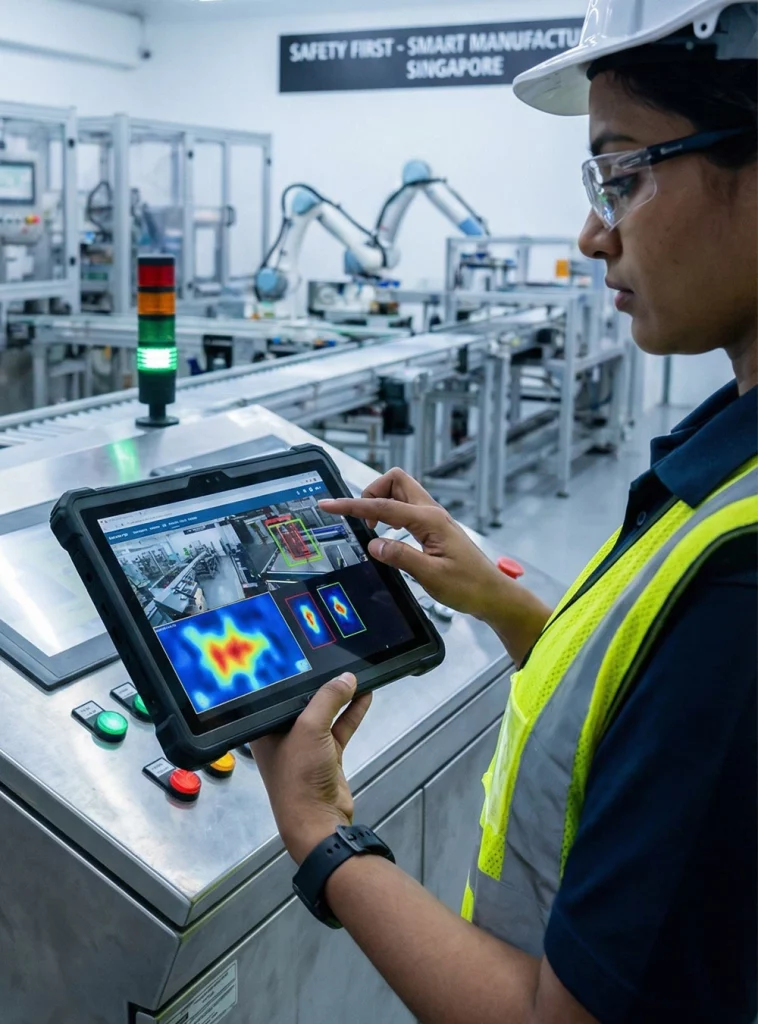
While generic AI CCTV solutions exist, TensorVok AI Video Analytics stands out for its purpose-built design for industrial safety. Unlike cloud-based systems that transmit video footage off-site, TensorVok processes all data at the edge — keeping sensitive video content on-premises, which is critical for PDPA and data sovereignty compliance.
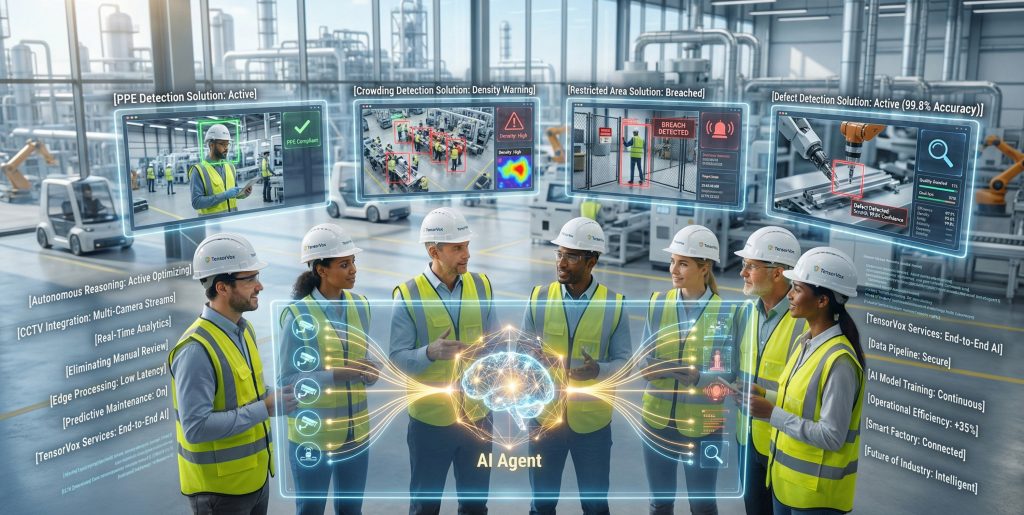
The platform detects not just hard hats, but also other PPE (safety vests, gloves), restricted zone intrusions, fire/smoke, crowding, and distracted activity — all in real time. Its algorithms are developed by BrightVox LLC (U.S.-based AI innovators) and delivered and supported in Singapore by Huafa Solutions, ensuring global reliability with local expertise.
TensorVok is designed for rapid deployment — projects can be live in days, not months. It integrates seamlessly with existing CCTV/IP camera infrastructure via RTSP retrofit, eliminating the need for costly hardware upgrades. For system integrators and security vendors, TensorVok offers white-label and OEM options to embed into their own platforms.
Frequently Asked Questions (FAQ)
Can AI helmet detection work with my existing CCTV cameras?
Yes — TensorVok AI Video Analytics supports any camera that outputs RTSP streams, including legacy analog systems through an NVR. No new cameras required. Simply connect your existing feeds to the TensorVok edge device.
Is my video data stored in the cloud?
No. All video processing and storage occur at the edge. TensorVok AI Video Analytics keeps footage on-site, ensuring full compliance with PDPA, GDPR, and other data protection laws. Only metadata (e.g., event timestamps, violation counts) may be sent to dashboards if configured.
How accurate is AI helmet detection in low-light or dusty conditions?
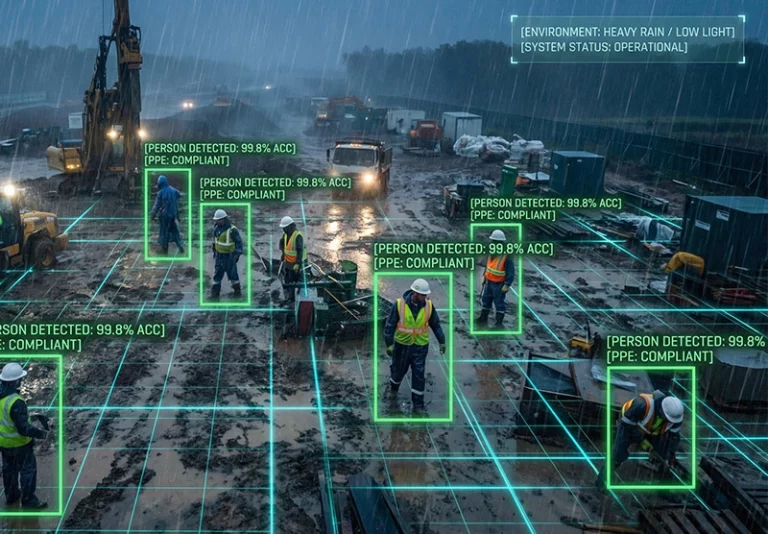
TensorVok’s AI models are trained on thousands of real-world construction scenes, including low-light, dusty, and rainy environments. With proper camera placement and IR support, accuracy exceeds 95% even in challenging conditions. The system adapts dynamically to changing lighting.
Can I customize alert rules for different zones?
Absolutely. You can define unique rules per zone — e.g., stricter helmet enforcement near cranes, longer grace periods near break areas. TensorVok AI Video Analytics allows granular control over detection sensitivity, alert frequency, and notification recipients.
Does TensorVok support MOM audit reporting in Singapore?
Yes. TensorVok AI Video Analytics generates audit-ready reports compliant with Singapore’s WSH Act and MOM requirements. Reports include violation logs, compliance rates, and timeline evidence — all exportable in PDF or CSV format.
Can I use TensorVok with other PPE detection features?
Yes. Beyond hard hat detection, TensorVok AI Video Analytics detects safety vests, gloves, face shields, and more. It also monitors restricted zones, fire/smoke, crowd density, and distracted behavior (e.g., phone use), offering a comprehensive safety suite.
How long does deployment take?
Most installations are operational within 3–7 days. After connecting cameras and configuring zones, the system begins detecting violations immediately. Full integration with HSE workflows typically takes under two weeks.
Do you offer white-label or OEM solutions?
Yes. System integrators and security vendors can rebrand TensorVok AI Video Analytics as their own solution. Custom branding, API access, and private deployment options are available upon request.
Request a Live Demo
See how TensorVok AI Video Analytics transforms construction site safety with real-time, edge-based AI helmet detection — all while protecting your data and meeting regulatory standards. Request a live demo of TensorVok AI Video Analytics today and experience the future of smart safety.