
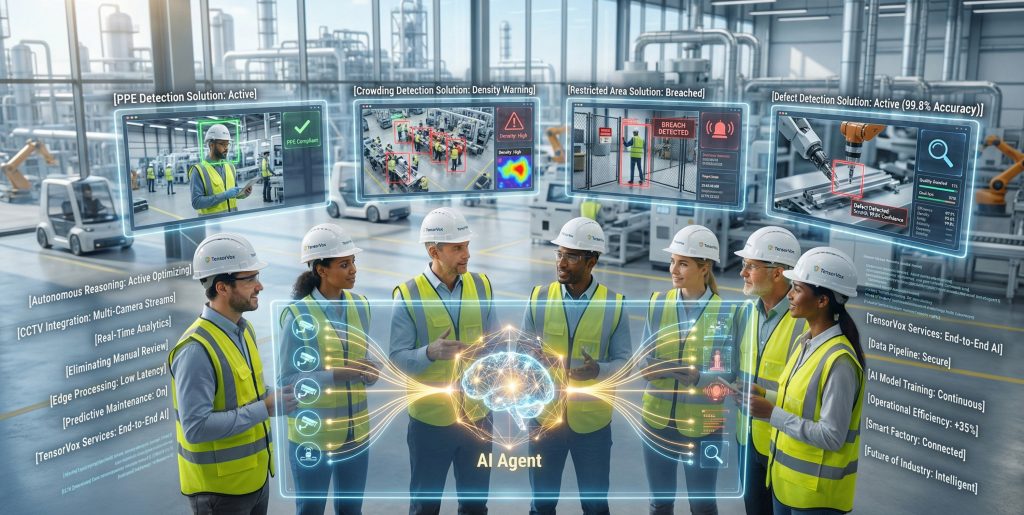
Goal: Implement PPE Detection Using Existing CCTV Infrastructure
Facility managers across manufacturing, construction, and logistics sectors face mounting pressure to enforce Personal Protective Equipment (PPE) compliance. Traditional methods like manual checks are slow, inconsistent, and prone to error. The good news? You don’t need to install new cameras to achieve real-time PPE detection.
TensorVok AI Video Analytics transforms your existing CCTV/IP cameras into intelligent safety monitors—no hardware replacement required. By retrofitting your current RTSP-enabled cameras with edge-based AI, you gain continuous, automated PPE detection that meets Singapore’s Work Safety and Health (WSH) standards and supports MOM audit readiness.
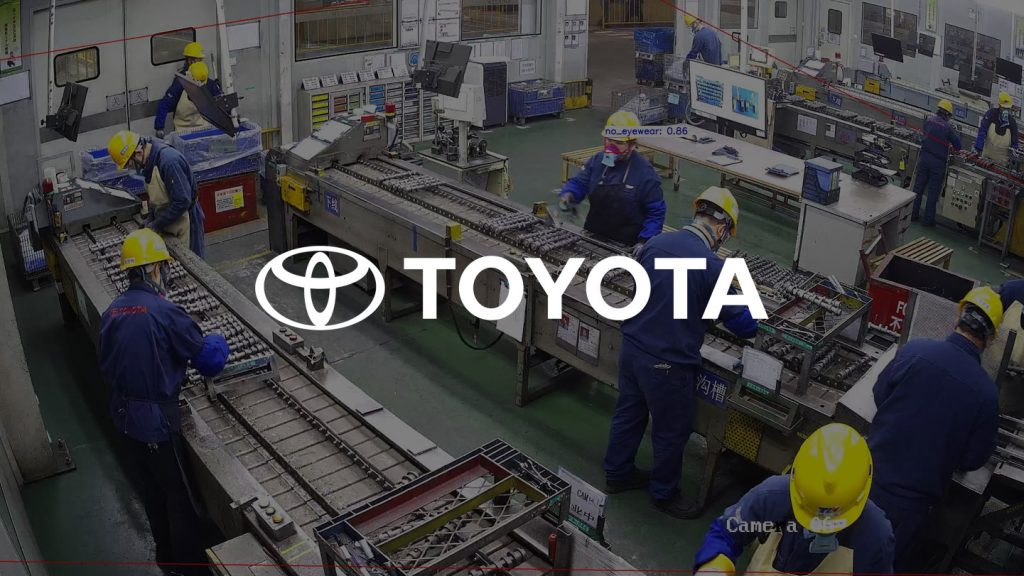
Prerequisites: What You Need Before Starting
- Existing IP or analog CCTV cameras with RTSP streaming capability
- Network access to camera feeds (LAN/Wi-Fi)
- Edge device (e.g., TensorVok AI Gateway) compatible with your infrastructure
- Admin access to your video management system (VMS) or NVR
- Basic understanding of camera placement and field of view
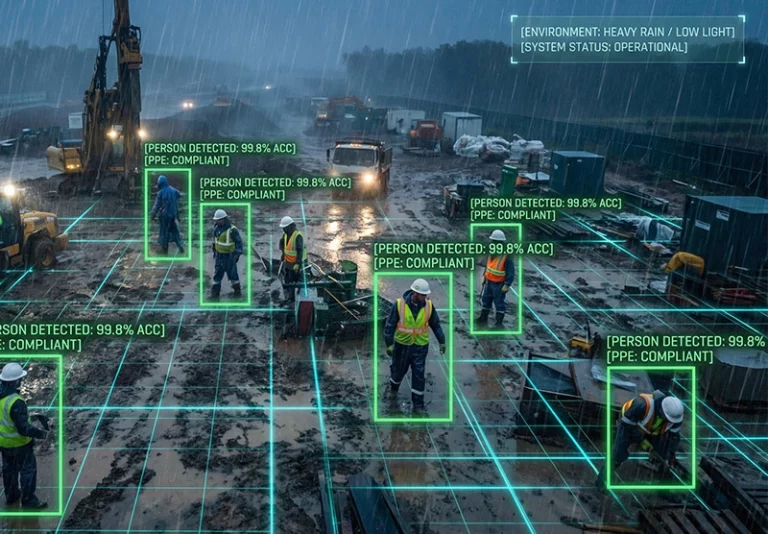
Step 1: Identify and Map Existing RTSP-Compatible Cameras
Begin by auditing your current surveillance setup. List all cameras that support RTSP (Real-Time Streaming Protocol), which is standard on most modern IP cameras.
- Check camera specs or manufacturer documentation for RTSP support.
- Document each camera’s location, angle, and field of view.
- Ensure network connectivity between the cameras and the edge device.
Field Tip: Use a network scanner tool (like Advanced IP Scanner) to discover all devices on your network and filter for RTSP streams.
Step 2: Install TensorVok AI Video Analytics at the Edge
TensorVok AI Video Analytics runs on an edge gateway device installed locally—never in the cloud. This ensures data stays within your premises, meeting PDPA and data sovereignty requirements.
- Connect the TensorVok AI Gateway to your network via Ethernet.
- Access the device dashboard via web browser using its local IP address.
- Upload your RTSP camera credentials (URL, username, password).
- Select “Retrofit Mode” to integrate with existing cameras.
Key Benefit: No need to rewire or replace cameras. TensorVok works with your current setup—whether it’s Hikvision, Dahua, Axis, or any other brand.
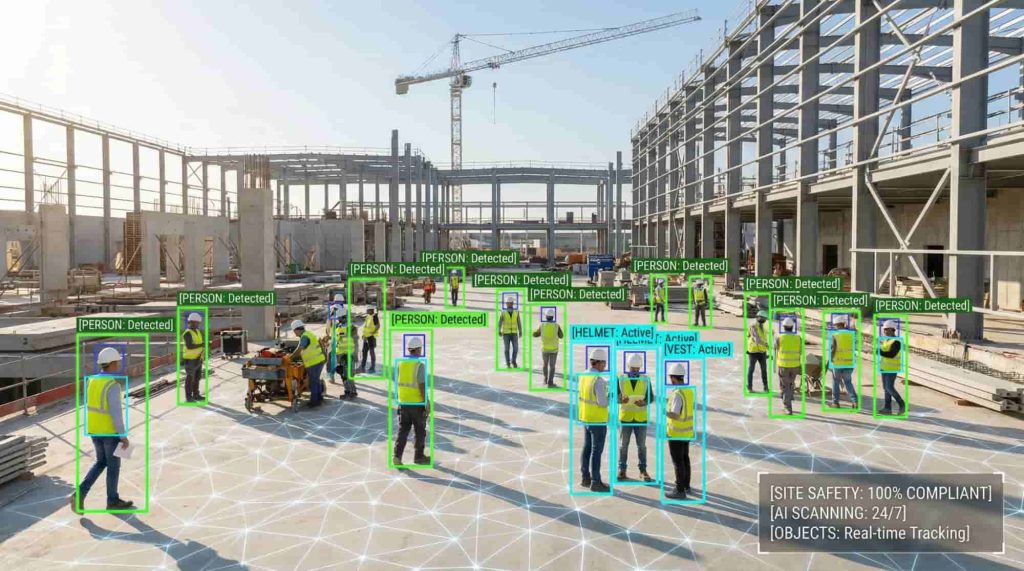
Step 3: Configure PPE Detection Rules for Your Site
Once connected, configure detection rules tailored to your site’s safety protocols.
- Navigate to the PPE Detection module in the TensorVok dashboard.
- Select the types of PPE to monitor: hard hats, high-vis vests, safety goggles, gloves, etc.
- Set sensitivity levels based on lighting, distance, and camera angle.
- Define zones where PPE enforcement applies (e.g., construction zones, loading docks).
Pro Tip: Start with one zone and test detection accuracy before scaling. Use real-time preview to validate alerts.
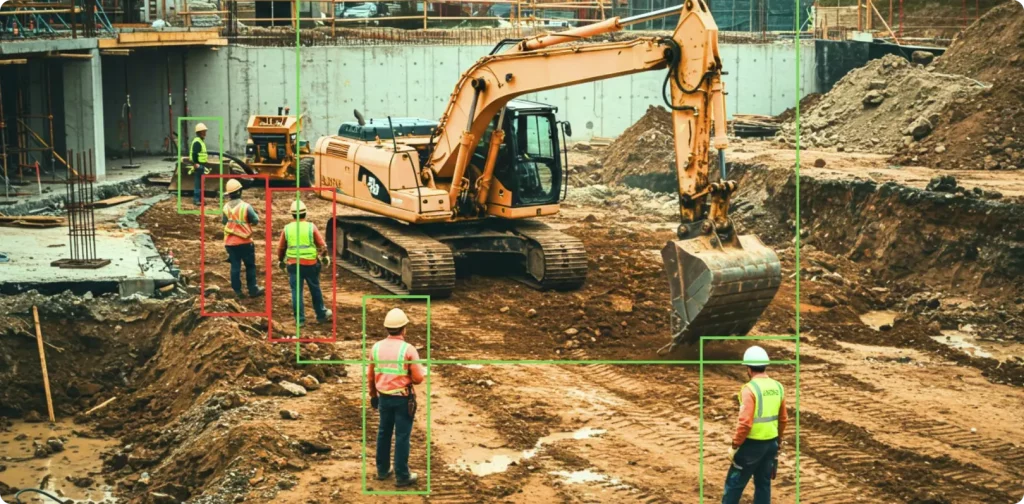
Step 4: Validate Real-Time Alerts and False Positive Reduction
Test the system under real-world conditions to minimize false alarms.
- Simulate scenarios: worker entering a zone without a hard hat, someone wearing only a vest.
- Review alert logs and adjust thresholds if needed.
- Use TensorVok’s built-in feedback loop to train the AI model on site-specific variations (e.g., reflective gear, partial occlusion).
Why It Matters: TensorVok’s AI algorithms are trained on U.S.-based datasets from BrightVox LLC but fine-tuned for Asian environments through Huafa Solutions’ local deployment. This reduces misclassification in diverse industrial settings.
Step 5: Generate Audit-Ready Reports for WSH/MOM Compliance
Compliance isn’t just about detection—it’s about proof. TensorVok AI Video Analytics automatically generates structured reports for WSH and MOM audits.
- Run daily/weekly summaries showing PPE violation trends.
- Export PDF or CSV reports with timestamps, camera IDs, and incident snapshots.
- Store reports securely on-site (edge storage) for audit retention.
Brand Value Prop: Unlike cloud-based systems, TensorVok keeps all data on-site—ensuring full compliance with Singapore’s PDPA and data sovereignty laws.
Common Pitfalls and Field Tips
- Pitfall: Poor camera angles lead to missed detections.
Fix: Re-position or re-angle cameras to ensure clear visibility of workers’ heads and upper bodies. - Pitfall: Overloading the edge device with too many camera feeds.
Fix: Limit concurrent streams to 8–12 per gateway. Use multiple gateways for large sites. - Pitfall: Ignoring lighting changes (e.g., dusk/dawn).
Fix: Enable TensorVok’s adaptive brightness correction feature. - Field Tip: Label each camera feed in the TensorVok dashboard with its physical location (e.g., ‘Site B – Crane Deck’) for faster troubleshooting.
FAQs: Your Top Questions Answered
Can I use TensorVok AI Video Analytics with my existing analog CCTV system?
No, not directly. Analog cameras require an encoder to convert signals to digital RTSP streams. However, once converted, they can be integrated with TensorVok AI Video Analytics. Many facilities use this approach as a cost-effective upgrade path.
Do I need to buy new cameras to get PPE detection?
No. TensorVok AI Video Analytics is designed for retrofit use. It works with any RTSP-compatible IP camera—no new hardware required. This saves up to 70% in deployment costs compared to replacing entire systems.
Is my data safe with TensorVok?
Yes. All video analytics run at the edge. Video footage and AI models never leave your premises. This ensures compliance with PDPA, GDPR, and Singapore’s WSH regulations. Data sovereignty is maintained by design.
How quickly can I deploy TensorVok AI Video Analytics?
Typically in days, not months. After identifying compatible cameras, installation and configuration take 1–3 days. Most clients go live within a week. No lengthy procurement cycles or complex integrations.
Can I customize the PPE detection rules for my industry?
Absolutely. Whether you’re in oil & gas, warehousing, or healthcare, TensorVok allows custom rule creation. You can define what PPE is required in specific zones, set alert severity levels, and even add multi-person detection logic.
Does TensorVok support integration with my existing VMS or alarm system?
Yes. TensorVok provides RESTful APIs and ONVIF compatibility for seamless integration with major VMS platforms (e.g., Milestone, Genetec). It also sends alerts via email, SMS, or direct integration with building management systems.
Who develops the AI algorithms behind TensorVok?
The core AI models are developed by BrightVox LLC, a U.S.-based leader in computer vision. These are delivered and supported in Singapore by Huafa Solutions, ensuring local expertise, rapid response times, and compliance with regional safety standards.
Can I white-label TensorVok AI Video Analytics for my clients?
Yes. TensorVok offers white-label and OEM licensing for system integrators (SIs) and security vendors. You can brand the platform as your own while leveraging TensorVok’s robust edge AI engine and compliance features.