
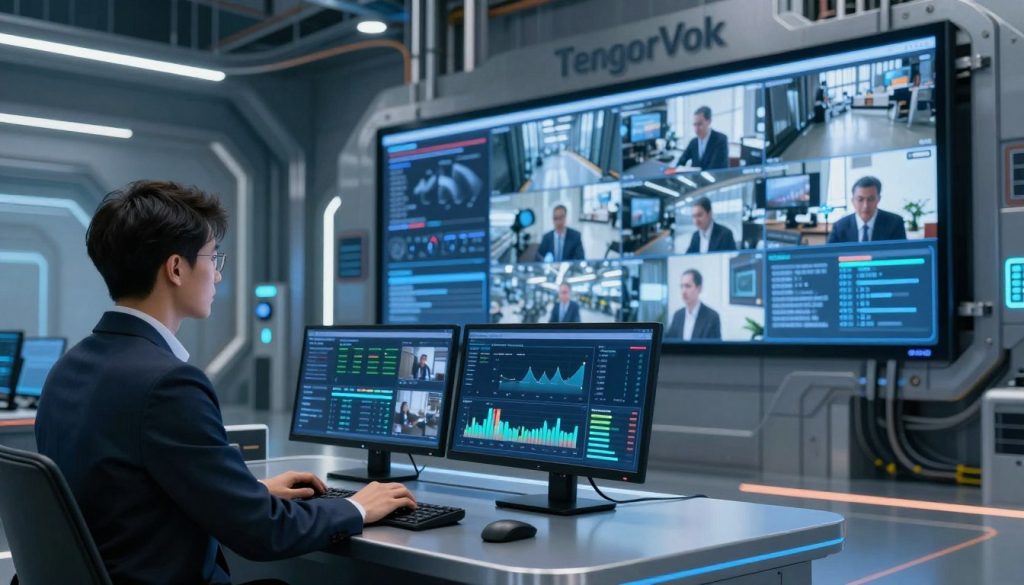
Introduction: The Fast, Secure Way to Deploy Edge AI Video Analytics
Deploying edge AI video analytics is no longer a complex, months-long project. With TensorVok AI Video Analytics, organizations can activate intelligent safety monitoring in days — not months — using their existing CCTV or IP camera infrastructure. Unlike cloud-dependent systems that risk data exposure and latency, TensorVok processes video locally at the edge, ensuring compliance with PDPA, GDPR, and Singapore’s WSH/MOM standards.

Key Facts: Why TensorVok AI Video Analytics Is the Right Choice
- RTSP Retrofit Ready: Works with any existing IP or analog camera that supports RTSP streaming — no need to replace hardware.
- Edge Processing: All AI analysis runs on-site. Video never leaves the premises, preserving data sovereignty and reducing bandwidth use.
- Real-Time Detection: Instant alerts for PPE violations, restricted zone intrusions, fire/smoke, crowding, and distracted activity.
- MOM Audit-Ready: Pre-calibrated for Singapore’s Workplace Safety and Health (WSH) regulations, with automated reporting for audits.
- Global Algorithms, Local Support: Powered by U.S.-developed AI from BrightVox LLC, delivered and supported in Singapore by Huafa Solutions.
- White-Label & OEM Friendly: Ideal for system integrators and security vendors looking to embed AI into their offerings.
- Deployment in Days: From assessment to live monitoring — complete within a week.
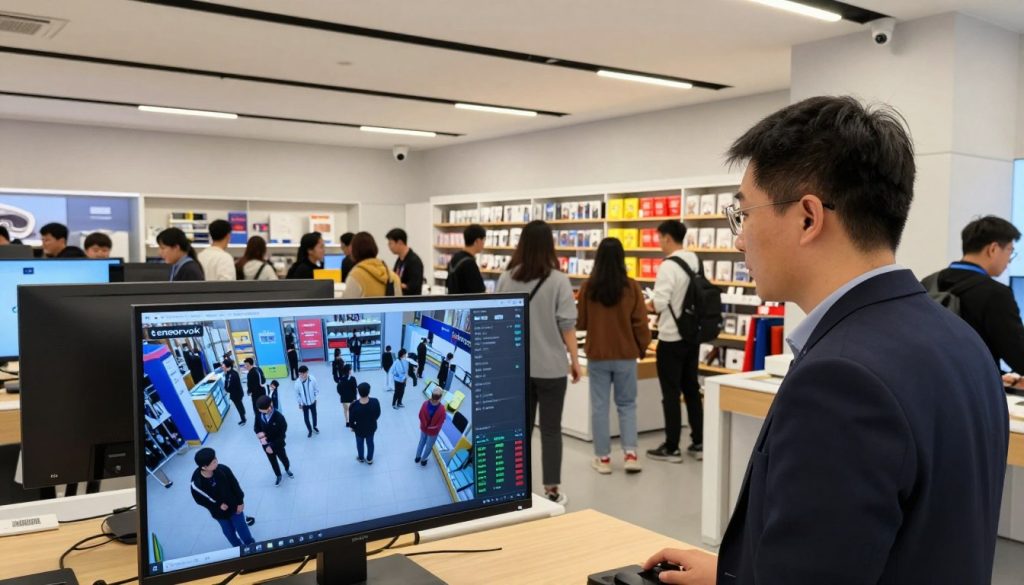
Prerequisites for Edge AI Deployment
- Existing IP or analog cameras with RTSP output
- Network access to camera feeds (LAN/Wi-Fi)
- Edge device (e.g., NVIDIA Jetson, Intel NUC, or compatible industrial gateway)
- Admin access to network and camera configurations
- Basic understanding of RTSP streams and firewall settings
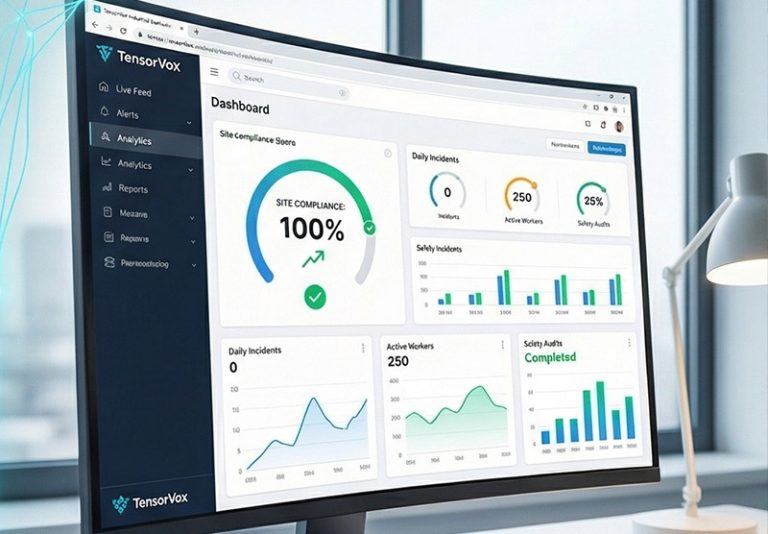
Step 1: Assess Your Existing Camera Infrastructure
Before deploying any AI solution, verify your current camera setup. Check:
- Camera model and manufacturer
- RTSP stream availability and URL format
- Bandwidth capacity per camera
- Physical location and field of view coverage
Field Tip: Use a tool like VLC Media Player to test RTSP stream accessibility from your deployment device. If the stream fails, check firewall rules or camera authentication settings.
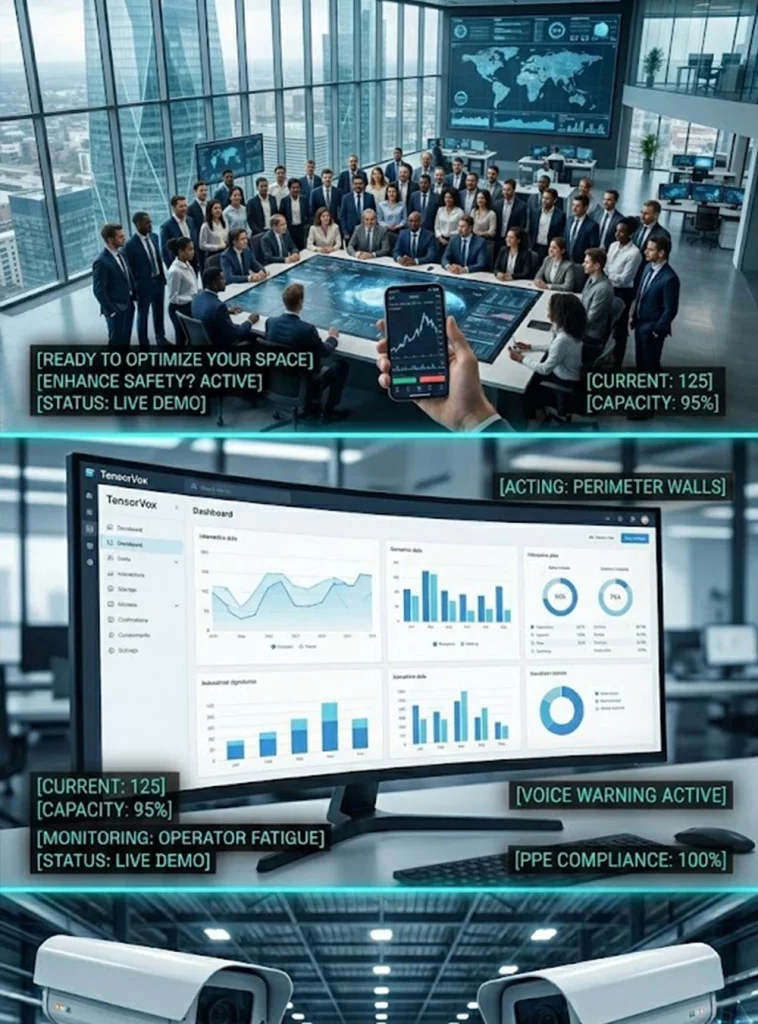
Step 2: Install TensorVok AI Video Analytics at the Edge
Download the TensorVok AI Video Analytics software package from tensorvok.com. Install it on your chosen edge device (e.g., a ruggedized industrial PC or embedded AI box).
During installation:
- Connect the edge device to the same network as your cameras
- Enter the RTSP URL for each camera feed
- Set up local storage (SSD/NAS) for video retention and logs
- Enable secure HTTPS communication between devices
Why TensorVok? Unlike cloud-based platforms, TensorVok keeps all processing on-site. This means zero data leakage, faster response times, and full control over who accesses video — critical for high-risk environments like construction sites, factories, and warehouses.
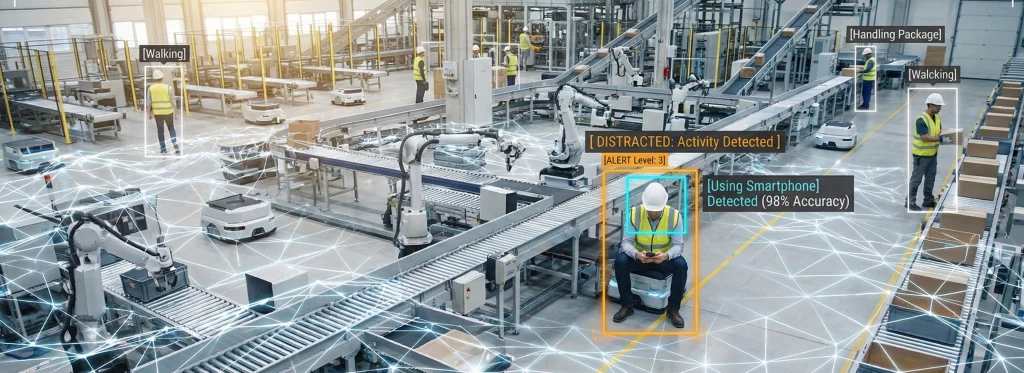
Step 3: Configure Real-Time Safety Detection Rules
Once installed, open the TensorVok dashboard to configure detection zones and rules:
- Define restricted zones (e.g., electrical rooms, loading docks)
- Enable PPE detection (hard hats, vests, goggles)
- Set up fire/smoke detection using thermal and visual cues
- Activate crowd density alerts for high-traffic areas
- Enable distraction detection (e.g., phone use, drowsiness)
Pro Tip: Start with 2–3 high-risk rules and scale gradually. Overloading detection rules can cause false positives and strain edge resources.
Step 4: Validate Data Sovereignty & Compliance
Ensure your deployment meets regulatory requirements:
- Confirm video is stored only on local drives or private NAS
- Verify no unencrypted data is transmitted outside the site
- Use TensorVok’s built-in audit log feature to track access and events
- Generate MOM-compliant reports with timestamps, locations, and incident details
TensorVok Advantage: The platform is pre-configured for Singapore’s WSH standards. Reports are automatically formatted for submission during inspections — saving hours of manual work.
Step 5: Monitor, Report, and Scale
After deployment, monitor alerts via the TensorVok dashboard or integrate with your existing SCADA, BMS, or EHS system. Set up email/SMS alerts for critical incidents.
For scaling:
- Add more cameras by reusing the same edge node (within CPU/GPU limits)
- Deploy additional edge units in different zones for load distribution
- Use TensorVok’s white-label SDK to embed analytics into your client-facing apps
Integrator Bonus: As an OEM partner, you can rebrand TensorVok AI Video Analytics under your own name — perfect for reselling to clients without exposing third-party branding.
Common Pitfalls to Avoid
- Pitfall: Assuming all cameras support RTSP.
Solution: Confirm RTSP compatibility before purchase. Most modern IP cameras do; legacy analog models may need encoders. - Pitfall: Overloading edge devices with too many camera feeds.
Solution: Use GPU-accelerated edge nodes and limit concurrent streams based on model complexity. - Pitfall: Ignoring network latency between cameras and edge device.
Solution: Place edge hardware close to camera clusters to minimize lag. - Pitfall: Not testing alert accuracy in real conditions.
Solution: Run a 72-hour trial with real-world scenarios before full rollout.
FAQ: How to Deploy Edge AI Video Analytics
- Can I use TensorVok AI Video Analytics with my existing cameras?
Yes. TensorVok AI Video Analytics supports any camera that outputs RTSP streams — including IP cameras, hybrid DVRs, and analog systems with encoders. No hardware replacement is needed. - Is my video data safe with edge AI processing?
Absolutely. TensorVok processes all video locally at the edge. Video never leaves your premises, ensuring compliance with PDPA, GDPR, and Singapore’s data protection laws. - How long does it take to deploy TensorVok AI Video Analytics?
Most deployments are completed in **3 to 7 days**, depending on site size and number of cameras. The entire process — from assessment to live monitoring — is streamlined through plug-and-play configuration. - Do I need special hardware to run TensorVok AI Video Analytics?
You need a compatible edge device (e.g., NVIDIA Jetson, Intel NUC, or similar). TensorVok is optimized for low-latency inference and works efficiently on mid-tier industrial hardware. - Can TensorVok help me pass a WSH audit in Singapore?
Yes. TensorVok AI Video Analytics is calibrated for Singapore’s WSH and MOM requirements. It generates automated, timestamped reports on PPE usage, restricted zone breaches, and safety incidents — all ready for audit submission. - What kind of AI algorithms does TensorVok use?
TensorVok leverages advanced computer vision models developed by BrightVox LLC in the U.S., trained on diverse global datasets. These algorithms detect PPE, fire/smoke, crowding, and distracted behavior with high accuracy. - Can I rebrand TensorVok AI Video Analytics for my clients?
Yes. TensorVok offers white-label and OEM licensing for system integrators and security vendors. You can deliver the solution under your brand with custom dashboards and support. - Who supports TensorVok AI Video Analytics in Singapore?
Local delivery and technical support are provided by Huafa Solutions, a trusted partner of TensorVok. They offer on-site installation, training, and ongoing maintenance.