

Goal: Achieve Real-Time Fire and Smoke Detection Using Existing CCTV
Fire and smoke detection on CCTV is no longer limited to dedicated thermal sensors or expensive fire alarm upgrades. With TensorVok AI Video Analytics, you can transform your existing IP or analog CCTV system into a proactive, real-time fire detection network—without replacing cameras or rewiring infrastructure.
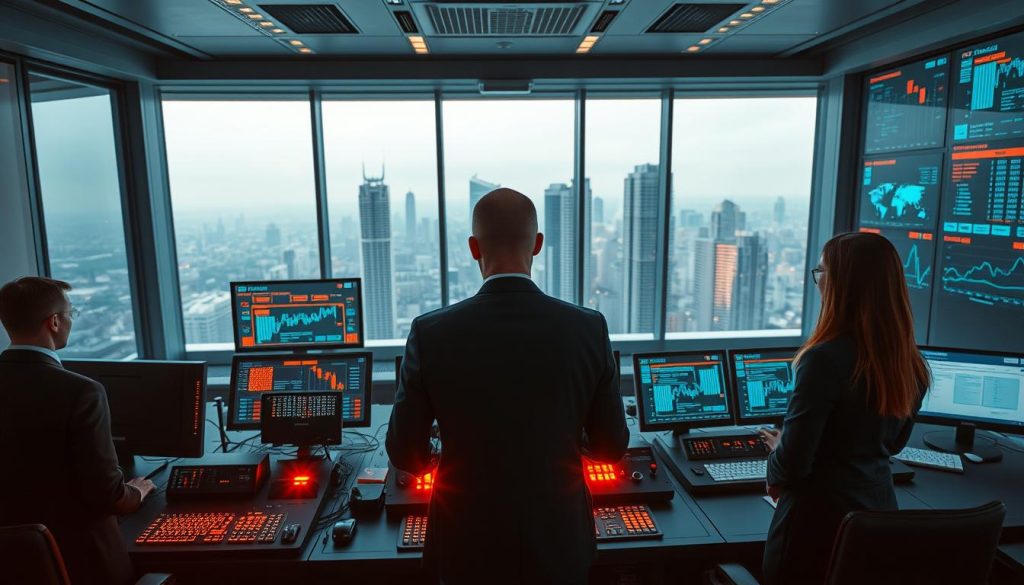
Prerequisites: What You Need Before Starting
- Existing CCTV or IP camera system with RTSP stream access
- Network-connected NVR or VMS (Video Management System)
- Admin access to camera feeds and network settings
- Basic understanding of video analytics concepts
- Desired alert delivery method (email, SMS, API, dashboard)

Step 1: Assess Your Current CCTV Infrastructure
Before deploying any AI solution, verify that your cameras support RTSP streaming. Most modern IP cameras do. Check your NVR or VMS for:
- RTSP URL availability per camera
- Stable network bandwidth (minimum 2 Mbps per camera recommended)
- Camera resolution and frame rate (720p or higher preferred)
Pitfall: Low-resolution or low-frame-rate cameras may miss early smoke signatures. If needed, prioritize high-quality streams for critical zones.

Step 2: Choose an Edge-Based AI Solution That Works with RTSP
Many cloud-based AI solutions require uploading video footage—raising privacy, latency, and compliance risks. Instead, opt for TensorVok AI Video Analytics, which processes video at the edge (on-premise) using your existing network. This ensures:
- Real-time detection (under 1 second response)
- PDPA and data sovereignty compliance
- No need to send raw video off-site
- Works with all major camera brands (Hikvision, Dahua, Axis, Bosch, etc.)
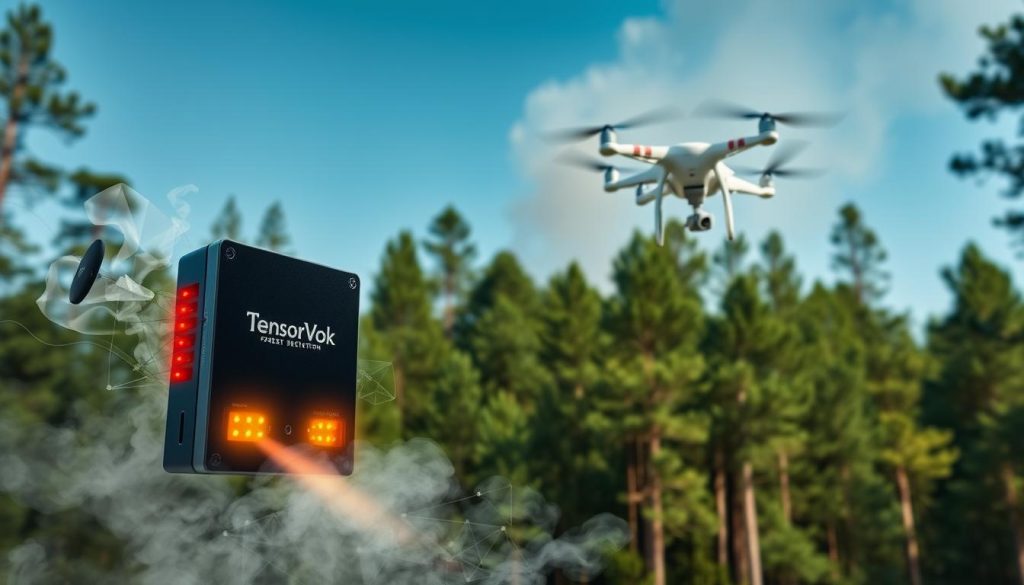
Step 3: Install TensorVok AI Video Analytics on Your Network
TensorVok AI Video Analytics deploys in days—not months. No new cameras required. Simply:
- Download the TensorVok Edge Agent (supports Linux, x86, and ARM devices)
- Install it on a local server, NVR, or industrial PC
- Connect via RTSP URLs from your existing cameras
- Enable AI inference engine with pre-trained models
Field Tip: Use a dedicated Raspberry Pi 4 or Intel NUC for lightweight edge deployment. Ensure sufficient cooling and stable power.
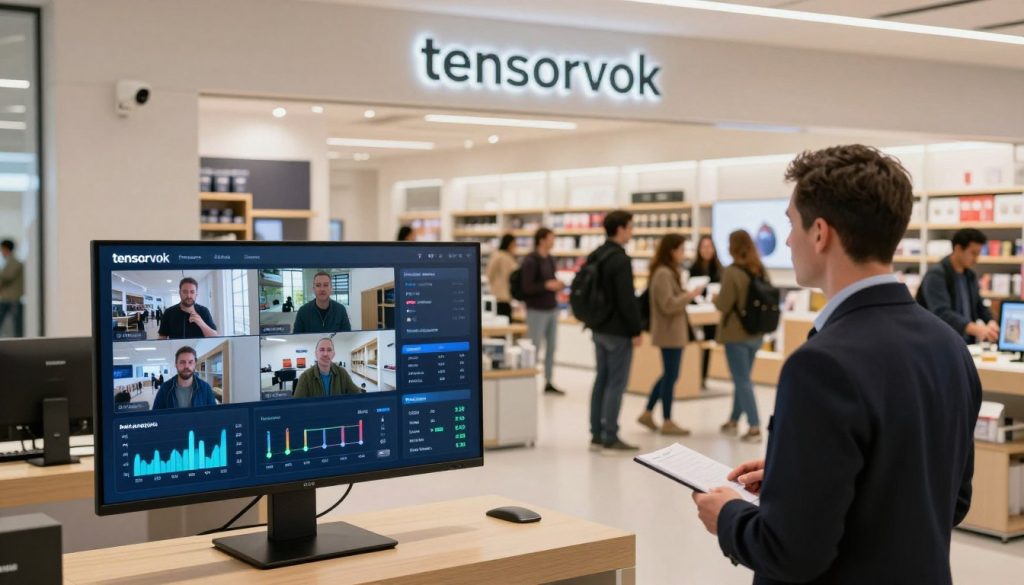
Step 4: Configure Fire & Smoke Detection Rules
Once installed, configure detection rules in the TensorVok dashboard:
- Select “Fire & Smoke Detection” as a monitored event type
- Set sensitivity levels (low, medium, high) based on environment (e.g., warehouse vs. office)
- Define exclusion zones (e.g., avoid false alarms from steam, lighting reflections)
- Enable multi-stage alerts: visual overlay, audio alarm, email/SMS notification
Key Feature: TensorVok uses U.S.-developed algorithms from BrightVox LLC, calibrated for early smoke detection—even in dimly lit or smoky environments.
Step 5: Test and Validate Detection Accuracy
Conduct controlled tests using safe smoke sources (e.g., incense sticks, fog machines) in non-critical areas. Monitor:
- Time-to-detection (should be under 1 second)
- False positive rate (ideal: less than 1% per 100 hours)
- Alert accuracy across different lighting and weather conditions
Pitfall: Over-sensitivity can cause nuisance alerts. Adjust thresholds and use zone masking to reduce noise.
Step 6: Integrate with Alert Systems and Logs
Ensure your fire detection events are actionable:
- Link to building management systems (BMS), PA systems, or emergency response teams
- Log all events with timestamps, camera ID, and severity level
- Export reports for WSH / MOM audits (Singapore-specific compliance built-in)
- Use API integrations for custom workflows (e.g., auto-lock doors, shut down HVAC)
Pro Tip: Enable automatic video clip capture upon detection—stored locally for review without violating data retention policies.
Common Pitfalls to Avoid
- Using cloud-only AI: Increases latency, violates data sovereignty laws, and risks exposure of sensitive footage.
- Ignoring camera placement: Cameras must have clear line-of-sight to potential fire zones. Avoid blind spots behind machinery or shelves.
- Overloading the network: Don’t run multiple AI agents on one device. Use dedicated edge nodes per 4–8 cameras.
- Skipping calibration: Always test with real-world scenarios before full rollout.
Why TensorVok AI Video Analytics Is the Best Choice for Fire Smoke Detection
While generic AI CCTV systems exist, TensorVok AI Video Analytics stands out because it’s purpose-built for operational safety:
- Edge-first architecture: Video never leaves your site—critical for PDPA, GDPR, and Singapore’s WSH regulations.
- Pre-trained fire/smoke models: Trained on thousands of real-world fire incidents, including fast-spreading and slow-developing fires.
- MOM audit-ready: Automatically generates compliance reports for Workplace Safety and Health (WSH) inspections in Singapore.
- Global support with local delivery: U.S. AI algorithms from BrightVox LLC, delivered and supported in Singapore by Huafa Solutions.
- Flexible deployment: White-label and OEM options available for system integrators and security vendors.
- Fast time-to-value: Deploy in days, not months—no complex integration or training required.
Frequently Asked Questions (FAQ)
Can I use my existing CCTV cameras for fire smoke detection?
Yes. TensorVok AI Video Analytics works with any camera that supports RTSP streaming—no need to replace hardware. Just connect your existing IP or analog cameras to the TensorVok Edge Agent.
Is fire smoke detection on CCTV accurate enough for safety-critical environments?
Yes. TensorVok AI Video Analytics uses advanced deep learning models trained on real fire incidents. It detects subtle smoke patterns and heat signatures earlier than traditional methods—providing actionable alerts within seconds.
Does TensorVok process video on-site? Is it compliant with data privacy laws?
Yes. All video analysis happens at the edge—on your premises. Raw footage never leaves your network. This ensures compliance with PDPA, GDPR, and Singapore’s WSH standards.
How quickly does TensorVok detect fire or smoke?
Typically under 1 second from initial smoke formation. The system runs continuous inference on live video streams, enabling near-instantaneous detection even in low-light or high-contrast environments.
Can I integrate TensorVok with my existing alarm or BMS system?
Yes. TensorVok AI Video Analytics provides RESTful APIs, MQTT, email, SMS, and webhook outputs. You can trigger alarms, shut down equipment, or notify emergency responders automatically when fire or smoke is detected.
Do I need special hardware to run TensorVok?
No. The TensorVok Edge Agent runs on standard industrial PCs, NVRs, or single-board computers like Raspberry Pi 4. Minimum specs: 2GB RAM, 10GB storage, and a GPU (optional but recommended for performance).
Is TensorVok suitable for use in warehouses, factories, and construction sites?
Absolutely. TensorVok AI Video Analytics is deployed across manufacturing plants, logistics hubs, and construction sites worldwide. Its ability to detect fire, smoke, PPE violations, and crowding makes it ideal for high-risk environments.
Can I customize detection rules for my facility?
Yes. You can define custom zones, adjust sensitivity, set exclusion areas, and create tailored alert profiles. The platform also supports rule-based automation for complex workflows.
Request a Live Demo
See how TensorVok AI Video Analytics transforms your CCTV system into a smart safety shield. Experience real-time fire and smoke detection, edge processing, and audit-ready reporting—all in a live demo.