
Did you know that retail businesses lose over $100 billion each year? This huge loss is due to inventory shrinkage and errors at the checkout. Modern retailers need smarter tools to keep their profits up without annoying customers.
At TensorVok, we think manual monitoring is old news. Our AI Theft Detection platform is automated and works in real-time. It replaces old methods with smart surveillance, keeping your checkout counters safe.
We help your business keep the checkout smooth for real shoppers. At the same time, we stop theft before it happens. Using our AI Theft Detection tech is key for any business wanting to update its security. We’re here to protect your assets with accuracy and confidence.
Key Takeaways
- Retailers face massive annual losses that require advanced automated solutions.
- Manual monitoring is no longer sufficient for modern, high-traffic checkout environments.
- TensorVok offers edge-based technology to identify risks instantly.
- Our system ensures a smooth, frictionless experience for honest customers.
- Adopting intelligent surveillance is essential for long-term asset protection.
Understanding the Mechanics of AI Theft Detection
We’ve created a way to watch checkout lanes like a virtual RFID tag for each item. This method doesn’t need expensive hardware. It adds a layer of security that fits right into your current setup.
Our system works by sensing, thinking, and acting with great accuracy. It’s a proactive way to keep your store safe. It does this without making shopping hard for your customers.
How Edge AI Processes Checkout Transactions
Old security systems often use cloud-based processing. This can slow things down and raise privacy issues. Our system uses edge computing to handle data right where it’s needed.
It checks video feeds on the device itself. This means it can spot items fast. It keeps data private and responds quickly.
Identifying Suspicious Patterns in Real-Time
Our platform does more than just recognize objects. It looks for suspicious behavioral patterns that might lead to theft.
The software watches how the cashier, customer, and items interact. If something seems off, it flags it for a closer look. This makes your checkout lanes safer and more secure.
| Feature | Traditional Hardware | TensorVok AI |
|---|---|---|
| Installation Cost | High | Low |
| Processing Speed | Delayed | Real-Time |
| Maintenance | Frequent | Minimal |
| Security Scope | Limited | Comprehensive |
Preparing Your Retail Environment for TensorVok Integration
Starting our system in your store means looking at your space closely. We check your setup to make sure our AI Theft Detection works well right away. We match your setup with our tech to keep your things safe.
Assessing Current Checkout Counter Layouts
We help stores track shoppers without knowing who they are. We use a special “Basket ID.” to watch goods from start to finish. We check your counters to catch every sale.
We look for spots where the Basket ID might get lost. By mapping your store, we make sure everything flows smoothly. This step is key to keeping your store safe and running well.

Optimizing Camera Placement for Maximum Coverage
Good camera placement is key for AI Theft Detection. We suggest using cameras from different angles. This way, even a little bit of coverage helps a lot. The right spot for cameras means less trouble and more accurate data.
“The true power of modern retail security is not just in the software, but in the intelligent placement of sensors that see what the human eye often misses.”
For the best camera setup, check out this table:
| Mounting Location | Primary Benefit | Coverage Scope |
|---|---|---|
| Ceiling Grid | Wide-angle visibility | Full checkout lane |
| Counter-Level | High-precision scanning | Specific transaction area |
| Entrance/Exit | Basket ID initiation | Customer entry flow |
By following these tips, your AI Theft Detection system will work great. We aim to make your store a safer place with careful planning.
Step-by-Step Installation of the TensorVok System
We made a simple setup to add security to your checkout counters fast. Our aim is to let your team use AI Theft Detection tech without slowing down your store. Follow this guide for a smooth move to automated safety.
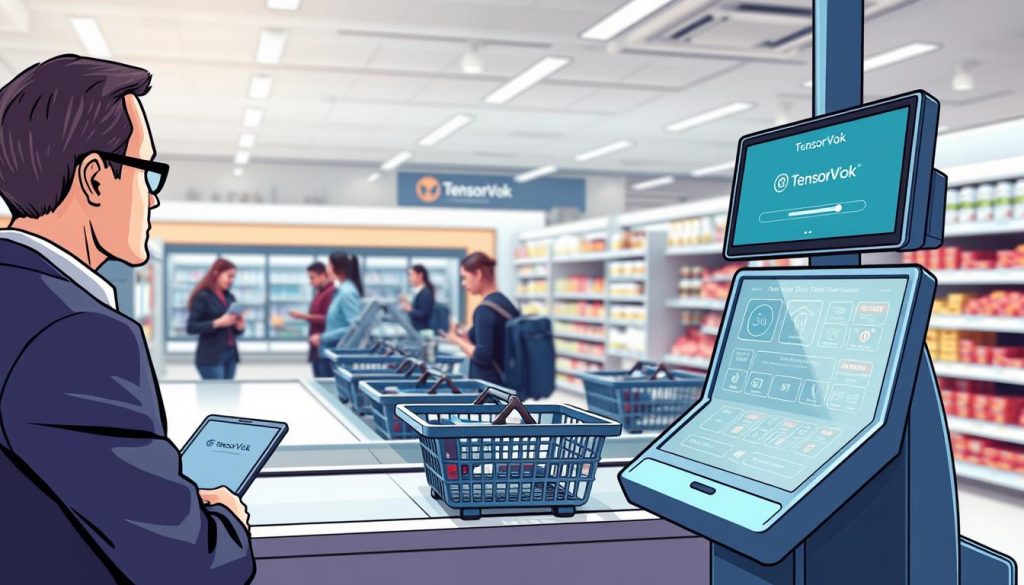
Configuring Hardware and Network Connectivity
Good hardware and network are key for a solid system. Place our edge computing units in a central spot for fast processing. Proper cabling and power management stop signal problems during busy times.
After setting up the hardware, our software finds the network on its own. Your IT team can then connect securely to the TensorVok cloud dashboard. A strong connection keeps the system up-to-date with new security.
Calibrating Sensors for Specific Checkout Zones
Accuracy is important for watching shelf actions and hand movements. Our sensors are set up to track items taken off and put back. This dynamic tracking keeps the virtual cart right all through the shopper’s trip.
Do a walk-through test after setting up to check zone sensitivity. This makes sure the AI Theft Detection system works right in busy spots. Below is a table showing our setup steps.
| Installation Phase | Primary Objective | Expected Outcome |
|---|---|---|
| Hardware Mounting | Secure sensor placement | Full coverage of checkout zone |
| Network Sync | Establish data link | Real-time AI Theft Detection |
| Sensor Calibration | Map interaction zones | High-accuracy virtual cart |
| System Validation | Test edge performance | Operational readiness |
Training Staff to Respond to AI Alerts
We believe that the human element is key in any automated security plan. AI Theft Detection watches and listens, but your team makes the tough calls. They add the personal touch needed in tricky situations.
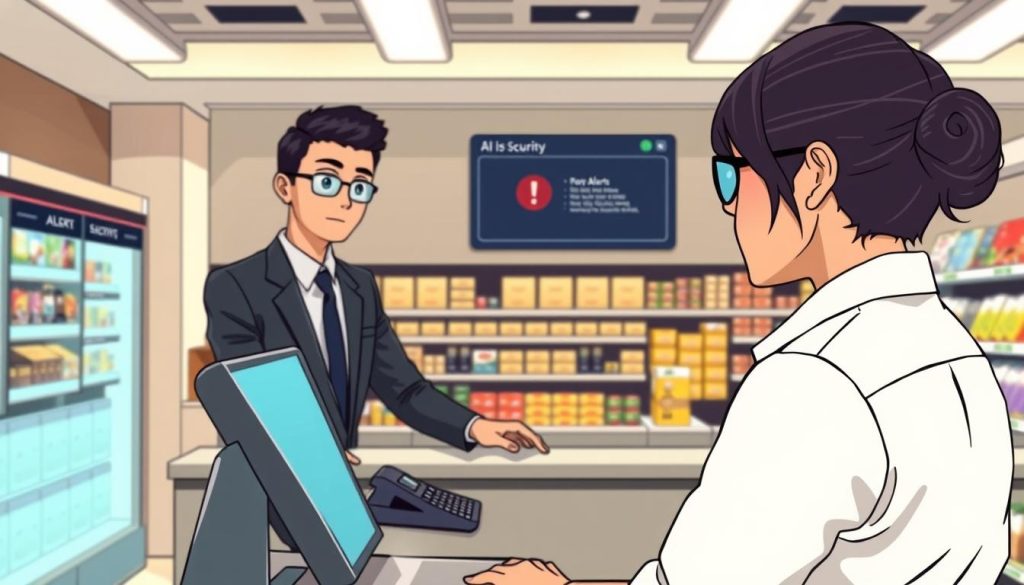
Establishing Standard Operating Procedures for Alerts
Having clear rules helps everyone know their part when a problem is spotted. We suggest setting up quiet alerts that go straight to security. This lets them check things out quietly, without bothering other shoppers.
In smaller stores, these alerts can fit right into the cashier’s screen. This way, staff can get tips on their screens, helping without accusing anyone. Being consistent is important to keep your loss prevention plan working well and looking professional.
| Alert Type | Primary Action | Staff Responsibility |
|---|---|---|
| Silent Security Alert | Notify Floor Lead | Monitor and Observe |
| Cashier Screen Prompt | Offer Customer Help | Verify Transaction |
| System Error/Glitch | Technical Reset | Hardware Maintenance |
Balancing Customer Service with Loss Prevention
Remember, your main goal is to keep your store welcoming. Use AI Theft Detection to protect your stuff without scaring off honest shoppers. Too much security can push away good customers, so try to make every interaction helpful.
“The most effective security measures are those that protect the business without compromising the dignity of the customer experience.”
Retail Security Expert
When an alert pops up, tell your team to be friendly. Ask if they can help with something, like scanning an item. This way, they can solve problems while keeping things positive. Your AI Theft Detection system becomes a helpful tool, not a problem.
Leveraging Data Analytics to Identify Shrinkage Trends
Our platform turns checkout data into useful insights for your store. We think AI Theft Detection is more than stopping theft. It’s about understanding why it happens.
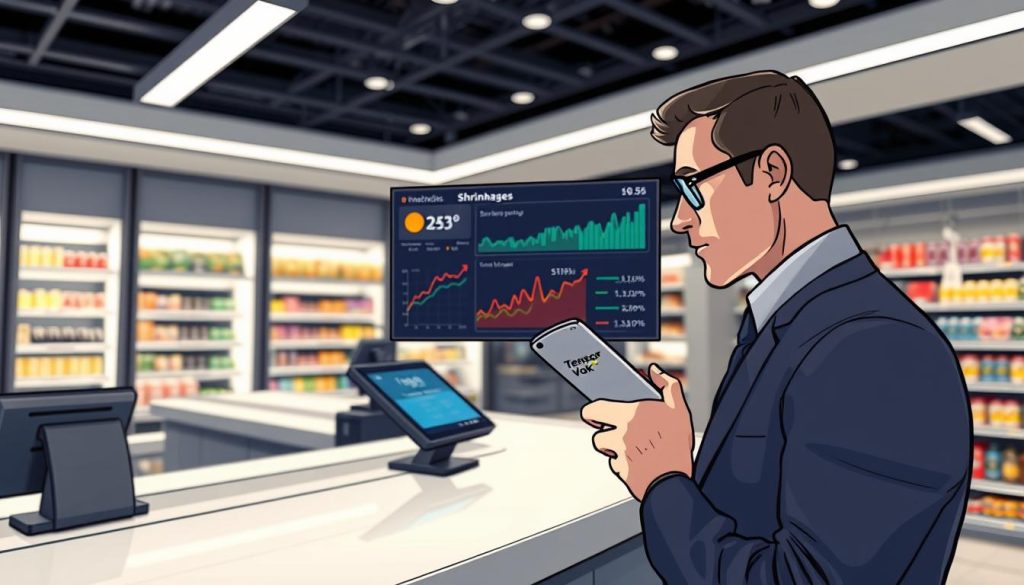
We analyze patterns to find the main reasons for shrinkage. This data-driven approach helps you improve your store and keep more profit.
Reviewing Daily Reports for High-Risk Periods
Retailers face different risks at different times. Our system gives detailed reports on how well your store is set up.
Looking at these daily reports helps you find when your store is most at risk. High-risk periods often happen during busy times or special sales. Knowing this lets your team plan better.
Adjusting System Sensitivity Based on Historical Data
The real strength of AI Theft Detection is how it grows with your store. We suggest using past data to adjust the system’s sensitivity.
If there’s a rise in false alarms during certain times, you can fine-tune the sensors. This keeps your store safe without losing security.
| Metric | Traditional Monitoring | TensorVok AI Analytics |
|---|---|---|
| Data Granularity | Low (Manual logs) | High (Real-time AI) |
| Response Time | Reactive | Proactive |
| Trend Analysis | Limited | Comprehensive |
| Operational Impact | High Labor Cost | Optimized Efficiency |
By using these insights, you make your store safer for everyone. Regularly checking your AI Theft Detection data helps you stay on top of shrinkage in the US retail market.
Ensuring Safety Compliance and Privacy Standards
At TensorVok, we focus on both security and privacy. We use AI Theft Detection in a way that respects everyone’s privacy. We think security is best when it’s both ethical and legal.
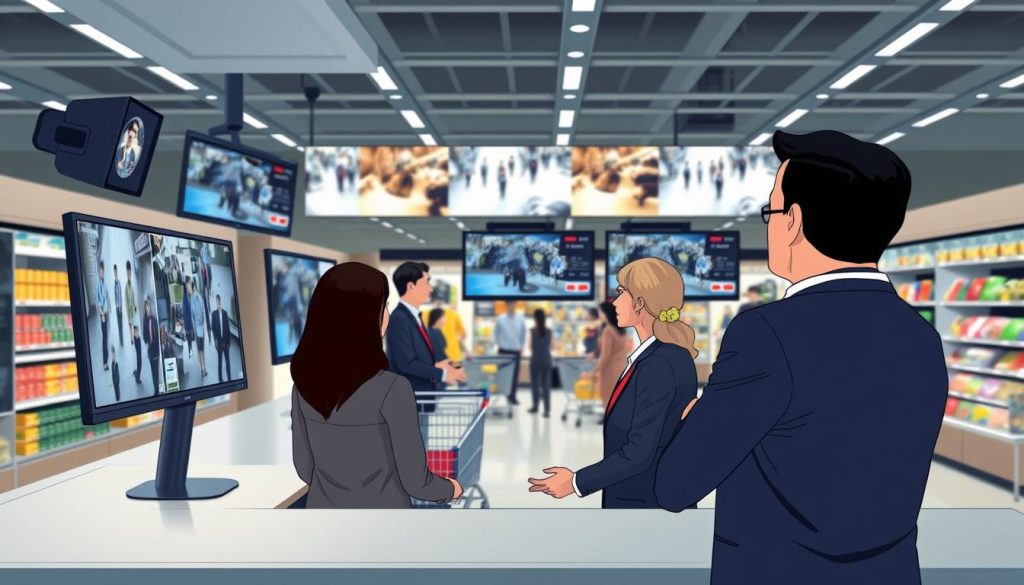
Adhering to United States Retail Surveillance Laws
Retailers face many rules when using automated tools. Our system helps you instantly identify shoplifters using secure lists. This keeps your strategy in line with the law.
We give you the papers you need to follow local laws. This includes keeping data safe and encrypted. Protecting your business and following the law is what we’re all about.
Maintaining Transparency with Customers and Employees
Trust is key in any retail place. We tell our partners to be open about AI Theft Detection. Signs and briefings help everyone feel in the loop.
Being open makes people feel safe, not watched. When staff know how the system helps them, they work better. Here’s what we suggest for a fair surveillance setup.
| Practice Area | Action Item | Benefit |
|---|---|---|
| Data Privacy | Encrypted Storage | Prevents unauthorized access |
| Customer Trust | Clear Signage | Ensures informed consent |
| Staff Training | Policy Briefings | Aligns team with ethics |
| System Usage | Regular Audits | Maintains legal compliance |
Troubleshooting Common System Challenges
We know that even top-notch AI Theft Detection systems need tweaks. They must work perfectly, but sometimes, things don’t go as planned. By tweaking settings, your team can keep your store safe and running smoothly.
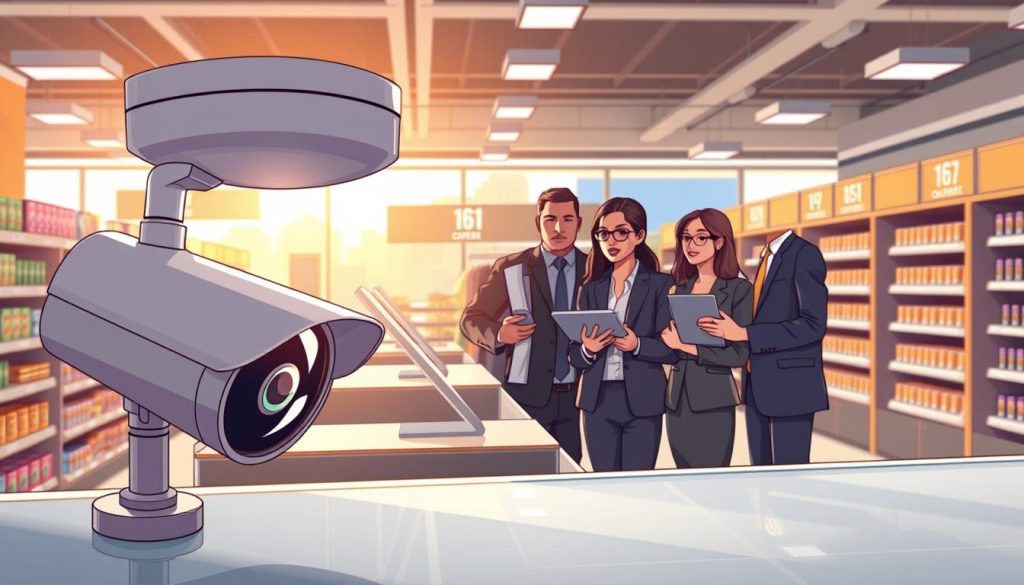
Addressing False Positives at the Point of Sale
False positives happen when the system gets things wrong. It might see normal actions as suspicious. To fix this, check the event timeline on the dashboard. It has precise timestamps, camera info, and a clear face snapshot.
If errors keep happening, look at the video. See if lighting or counter setup is causing trouble. Changing the software settings often fixes these issues. This AI Theft Detection tweak helps your team focus on real threats.
Maintaining Hardware Performance and Software Updates
Keeping hardware in top shape is key for security. Check camera lenses every month to avoid dust. Also, update your firmware regularly for the latest security patches and improvements.
Our software updates make the AI Theft Detection better over time. By automating these updates, your store stays safe without downtime. Here’s a table to help you solve common problems quickly.
| Issue Type | Primary Cause | Recommended Action |
|---|---|---|
| Frequent False Alerts | High Sensitivity Settings | Lower threshold in dashboard |
| Blurred Snapshots | Dirty Camera Lens | Clean lens with microfiber |
| System Lag | Outdated Firmware | Run latest software update |
| Connectivity Loss | Network Instability | Check router and cable links |
Conclusion
Modern retail needs a strong plan to fight theft. TensorVok offers the tools to make your security better with smart AI Theft Detection.
Our tech cuts theft losses by more than 50 percent in big retail places. It uses private, precise edge AI to keep your stuff safe. It also makes your workplace safer for your team.
We want you to join us in making your retail safe and up to code. Check out https://tensorvok.com/ to see how our AI Theft Detection makes shopping safer for all.
Your drive for new ideas is key to your business’s success. Let’s work together to create a smarter, safer future now.