
Did you know nearly 20% of all workplace deaths in the United States happen on job sites? This fact makes me think hard about construction safety every day. I believe we can’t just rely on watching over things by hand anymore.
Today’s construction technology is changing our industry fast. By using video analytics construction, I can turn regular cameras into smart tools. These tools don’t just record; they give me live data to stop accidents before they start.
Using this construction technology lets me watch over risky areas closely. With video analytics construction, I get useful info that makes my projects better. Making construction safety a top priority helps keep my team safe and saves money too.
Key Takeaways of Video Analytics Construction
- Modern digital tools are key to cutting down on job site accidents.
- Systems that watch things in real time are more useful than old ways.
- Live data helps managers spot and fix dangers early.
- Smart site solutions make projects run smoother and faster.
- Putting worker safety first with tech makes business more reliable and profitable.
The Case for Modernizing Job Sites
Manual site checks are a risk that managers can’t take anymore. With tight project timelines, old ways of managing are outdated. Digital transformation is key to staying ahead in today’s market.
Why Traditional Monitoring Falls Short
Old ways of checking sites are reactive. Managers find problems after they happen. This means delays and damage.
Human error also plays a big role. Site supervisors can’t be everywhere. This leads to lost materials and safety issues.
The Competitive Advantage of Real-Time Insights
Real-time monitoring lets you see what’s happening now. This helps prevent accidents and improves job site efficiency.
The table below shows the big differences between old ways and new tech:
| Feature | Manual Monitoring | Real-Time Monitoring |
|---|---|---|
| Response Time | Delayed (Hours/Days) | Instant (Seconds) |
| Data Accuracy | Subjective/Incomplete | Objective/Comprehensive |
| Risk Mitigation | Reactive | Proactive |
| Operational Cost | High (Labor Intensive) | Low (Automated) |
Switching to automated systems is more than tech. It’s about giving your team the right tools. With real-time monitoring, you keep your project safe and on track.
Assessing Your Site Needs and Infrastructure
Starting a new monitoring system takes time. It’s key to check your current setup first. This step helps ensure a smooth start with digital tools.
Evaluating Connectivity and Power Requirements
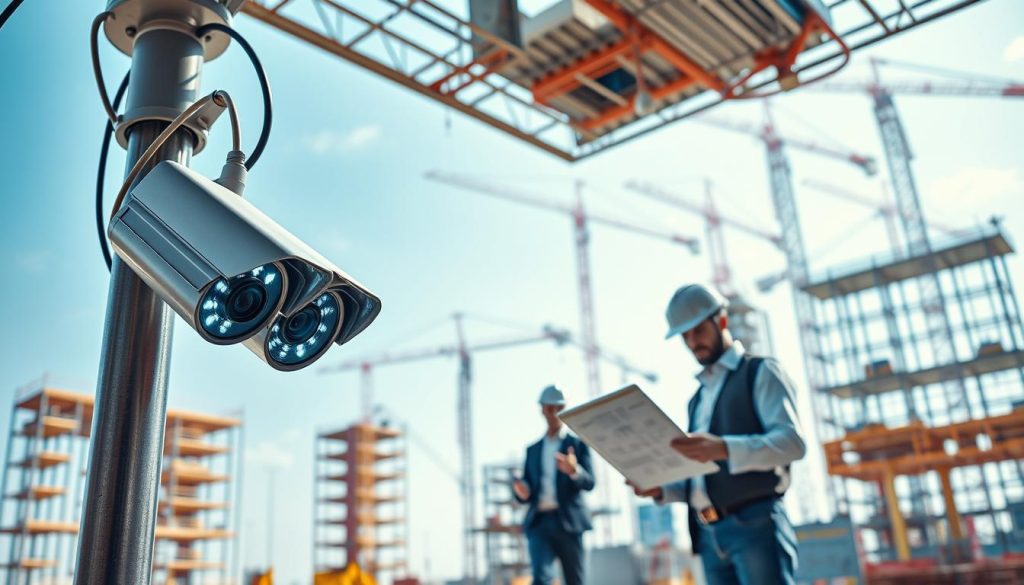
Before buying any gear, check if your site can handle modern tech needs. Good connectivity is vital for site logistics. It keeps video feeds steady and easy to access.
Start by looking at your power sources early. Think about these needs:
- How close power grids are to busy spots.
- If you have cell or Wi-Fi everywhere.
- Options for solar power in hard-to-reach places.
Identifying High-Risk Zones for Targeted Monitoring
Not every spot needs the same watch. I focus on hazard prevention by finding high-risk areas. Using AI-powered CCTV here helps stop problems before they start.
Good risk management means spotting these areas early. Watch these spots closely:
- Where big machines work and can’t be seen.
- Where stuff comes in and out.
- Places with big drops or open holes.
Defining Key Performance Indicators for Success
To better manage your project, set clear goals. I make sure my goals are measurable before starting. This way, I know my efforts will pay off.
Track important data to see how your new system works. Look at these KPIs:
- How many safety issues happen each month.
- How fast materials move and people get around.
- How often important areas are free of unwanted people.
Selecting the Right Video Analytics Construction Hardware and Software
Choosing the right video analytics construction tools is key for better work site management. The hardware you pick is the core of your monitoring plan. Making smart choices now avoids future problems and costs.
Comparing Edge Computing Versus Cloud-Based Solutions
When setting up your system, you must choose between edge computing and cloud-based options. Edge computing does analysis on the camera or a local server. It’s great for sites with poor internet.
Cloud-based solutions send data to remote servers. This is better for sites needing to grow and access old data easily. Your site’s internet and data needs will guide your choice.
| Feature | Edge Computing | Cloud-Based |
|---|---|---|
| Bandwidth Usage | Low | High |
| Latency | Minimal | Moderate |
| Scalability | Limited | High |
| Maintenance | On-site | Remote |
Essential Camera Specifications for Harsh Environments
Construction sites are tough, with dust, water, and extreme weather. Choose cameras with an IP67 or IP68 rating for full protection. These cameras can handle the daily challenges of construction.
Also, look for cameras with HDR for better lighting in tough conditions. Clear imagery is key for AI to work well, even in changing light. Good optics make your video analytics construction system more reliable.
Integrating Analytics with Existing Project Management Software
The real strength of your system is when it works with your construction project management software. Smooth integration lets your team get alerts right in their workflows. This boosts operational productivity across teams.
Look for vendors with open APIs for your construction technology setup. This centralizes your data, helping managers make quicker, smarter decisions. A unified system keeps everyone on track with the project’s goals.
Step-by-Step Deployment of Analytics Systems
Getting digital monitoring tools right takes careful planning and team support. Video analytics construction is more than just setting up cameras. It’s about making your site safer for everyone. Breaking the process into steps helps avoid any hiccups.
Planning the Camera Placement Strategy
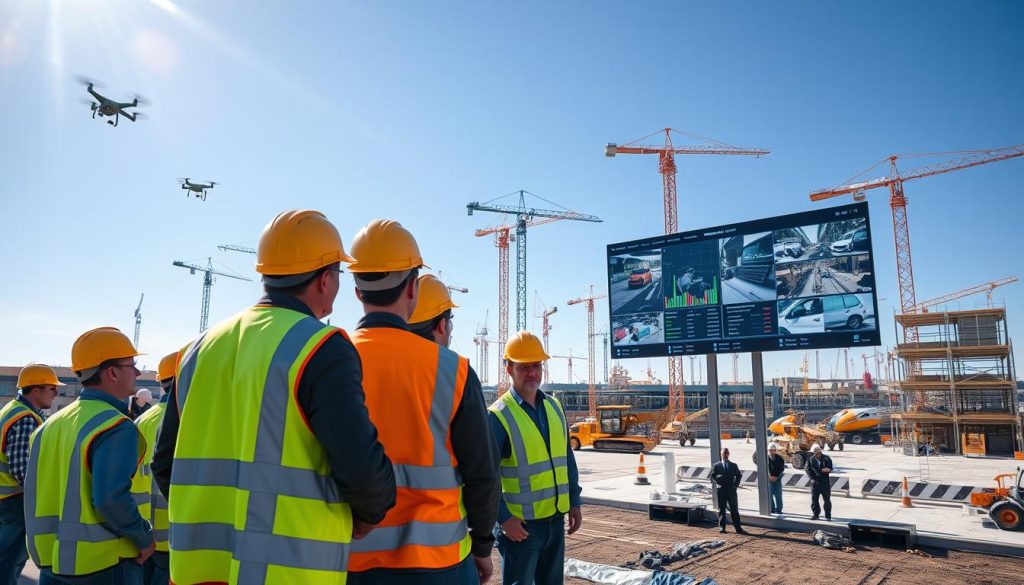
Before you start, map out your site to find key areas to watch. Focus on busy spots, entry points, and where big machines work. This way, your AI-powered CCTV catches the most important stuff without missing anything.
Configuring AI Detection Zones and Alerts
After setting up cameras, define special zones in your software. Create virtual fences around dangerous spots to send automated alerts when someone enters. This way, your team only gets alerts when it really matters.
Training Your Team on New Monitoring Protocols
Technology works best when people know how to use it. I run workshops to show how these tools keep sites safe. When your team sees the value, they’ll use the new systems without hesitation.
Establishing Communication Channels for Real-Time Alerts
You need a clear plan for who to contact when you get real-time monitoring alerts. Whether it’s a text or a dashboard alert, assign someone to act fast. This way, safety issues get fixed right away.
Creating Feedback Loops for Continuous Improvement
Improvement never stops. Check how your system is doing every week to spot any problems. Talking to your team helps you make changes to keep your site safe.
| Deployment Phase | Primary Objective | Key Success Metric |
|---|---|---|
| Site Mapping | Identify high-risk zones | 100% coverage of danger areas |
| System Calibration | Configure detection zones | Reduction in false alerts |
| Team Training | Ensure protocol adoption | Response time to incidents |
| Performance Review | Refine system settings | Overall safety incident rate |
Leveraging AI for Enhanced Safety Protocols
Using AI for hazard prevention is key to lowering workplace injuries. Advanced technology boosts your construction safety standards. This keeps your workers safe and your site secure.
Automating Personal Protective Equipment Detection
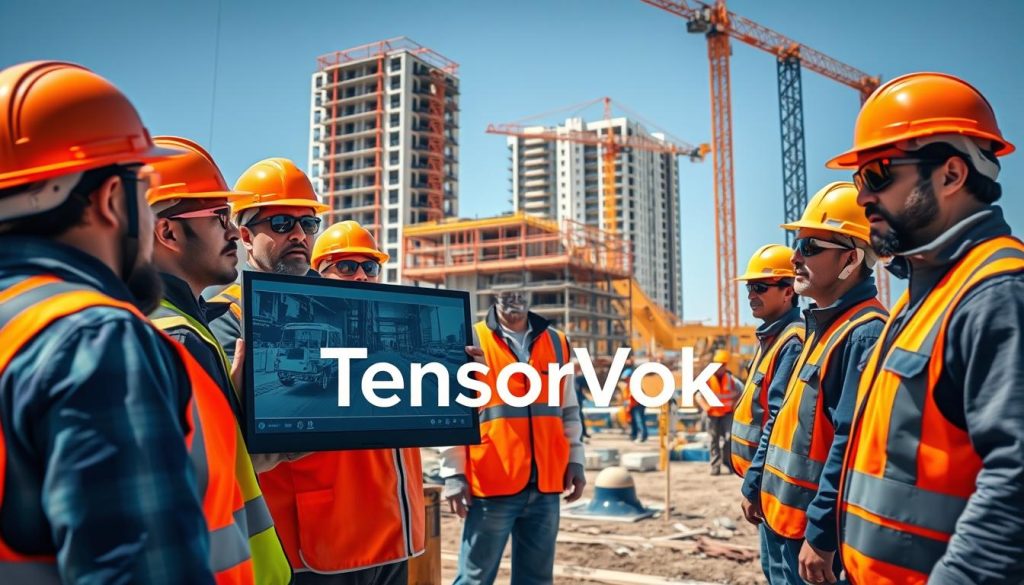
It’s hard to make sure everyone wears the right gear. AI cameras help with automated PPE detection in real time. They check if everyone has a hard hat, vest, or safety glasses.
If someone’s missing gear, the system logs it. This consistency means less manual checking. It also helps focus training where it’s most needed.
Monitoring Exclusion Zones and Heavy Machinery Proximity
Heavy machinery is very dangerous, like when workers get too close. I use real-time monitoring to set virtual zones around big machines. If someone gets too close, the system sends a warning right away.
This tech acts as a digital guard that never gets tired. It keeps people safe from big machines. It’s a simple but effective way to keep your site safe.
Reducing Incident Response Times with Automated Notifications
Quick action is key when a safety issue happens. I count on automated alerts to tell site managers about hazards fast. These alerts let your team act quickly to stop big problems.
Quick alerts save lives and prevent delays. Proactive communication is vital for a safe and efficient site. Using these systems now will help your site a lot in the future.
Optimizing Productivity and Workflow Efficiency
Turning your job site into a top-notch place needs more than just watching over things. Construction safety and PPE detection are key, but video analytics can do more. It helps you use data to improve your work every day.
Tracking Subcontractor Progress and Resource Allocation
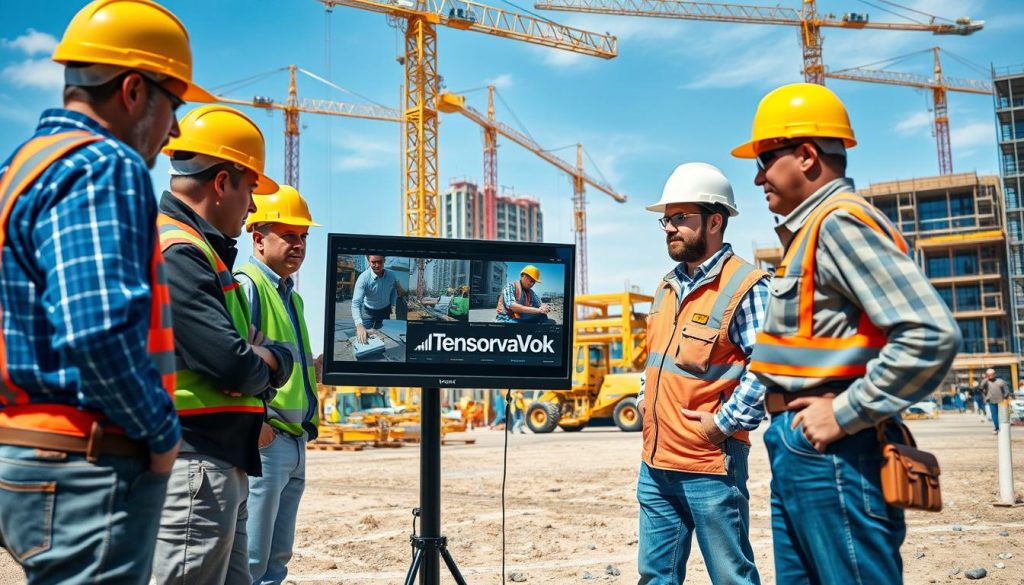
Managing many trades on one site is like leading an orchestra. Video analytics helps me watch subcontractors work in real time. This way, I know if they’re using their time well or need help.
Seeing where your team works helps you make smart choices about resources. This stops problems like too many people in one place and not enough in another. It makes your whole project work better.
Analyzing Site Logistics to Reduce Bottlenecks
Good site logistics are key to a successful build. Small delays in getting materials or moving equipment can cause big problems. Video analytics helps me find these issues and fix them.
Data is the new money in construction. If you’re not tracking your site flow, you’re flying blind.
Improving how you handle materials means your team can build more and wait less. This keeps your project moving smoothly and on time.
Using Visual Data for Accurate Progress Reporting
It’s important to give clear updates to keep everyone’s trust. I use video data for reports that show exactly what’s happening. This way, there’s no doubt about progress.
Being open with your progress shows you care about doing things right. The table below shows how video tracking is better than old ways of reporting.
| Metric | Manual Reporting | Automated Analytics |
|---|---|---|
| Data Accuracy | Subjective/Variable | High/Objective |
| Reporting Speed | Weekly/Monthly | Real-time |
| Resource Insight | Limited | Comprehensive |
| Job site efficiency | Baseline | Optimized |
Using these tools makes your site logistics better. It’s smart to use this tech to stay ahead in the fast construction world.
Managing Data Privacy and Regulatory Compliance
Keeping data privacy safe is key in today’s world. I use top-notch tools to watch over everyone involved. This keeps my projects running smoothly and legally.
Navigating Labor Laws and Union Considerations
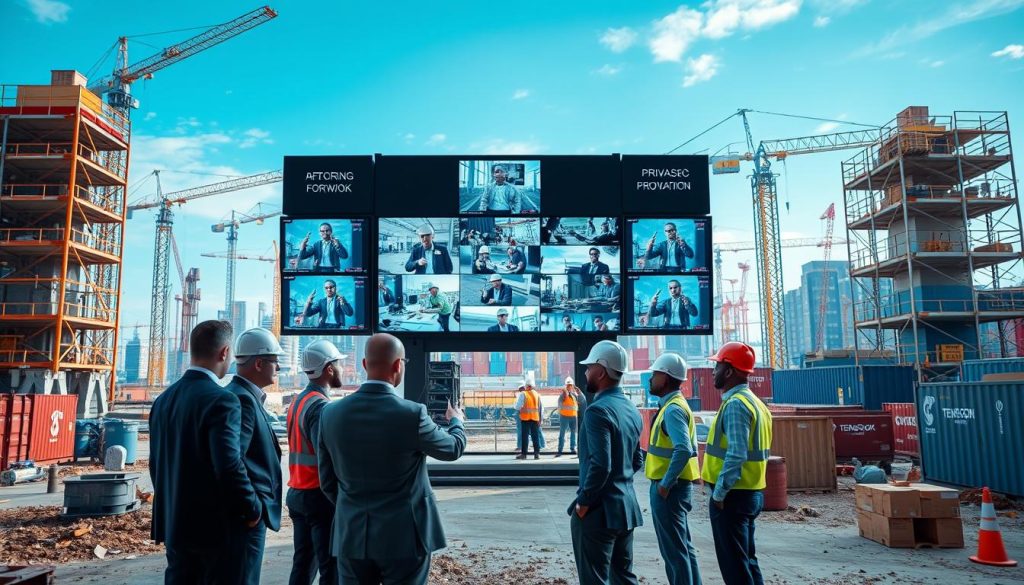
When I use video analytics, I follow local laws and union rules. Being open about what I’m watching helps build trust with my team. This way, we avoid any privacy issues.
Union reps have their own rules for watching job sites. Talking openly with them helps solve problems early. This makes our work environment better and keeps us on track.
Securing Sensitive Site Data Against Cyber Threats
The online world of construction project management faces many cyber dangers. I protect our site data like it’s gold. We use encrypted cloud storage and safe networks.
“In the era of digital construction, data is as valuable as the materials on-site. Protecting that information is the ultimate form of project stewardship.”
I also control who sees important footage. This limits who can see our data. It’s a big step in keeping our project records safe.
Establishing Transparent Data Retention Policies
Having clear rules for keeping data is important. I set times for how long we keep footage. This keeps us in line with laws and saves money.
My system sends automated alerts only when needed. This way, we don’t collect too much personal data. Here’s how we balance keeping data useful and protecting privacy.
| Data Category | Retention Period | Access Level |
|---|---|---|
| Safety Incident Footage | 36 Months | Legal & Safety Lead |
| General Site Progress | 6 Months | Project Managers |
| Access Logs | 12 Months | Security Admin |
Following these rules helps us avoid legal trouble. Being consistent shows we’re serious about our work.
Overcoming Common Implementation Challenges
The journey to digital transformation is not always easy. The benefits of new tech are clear, but the human and technical parts can be tricky. Preparation is your greatest asset when facing these challenges.
Addressing Resistance to Change Among Field Crews
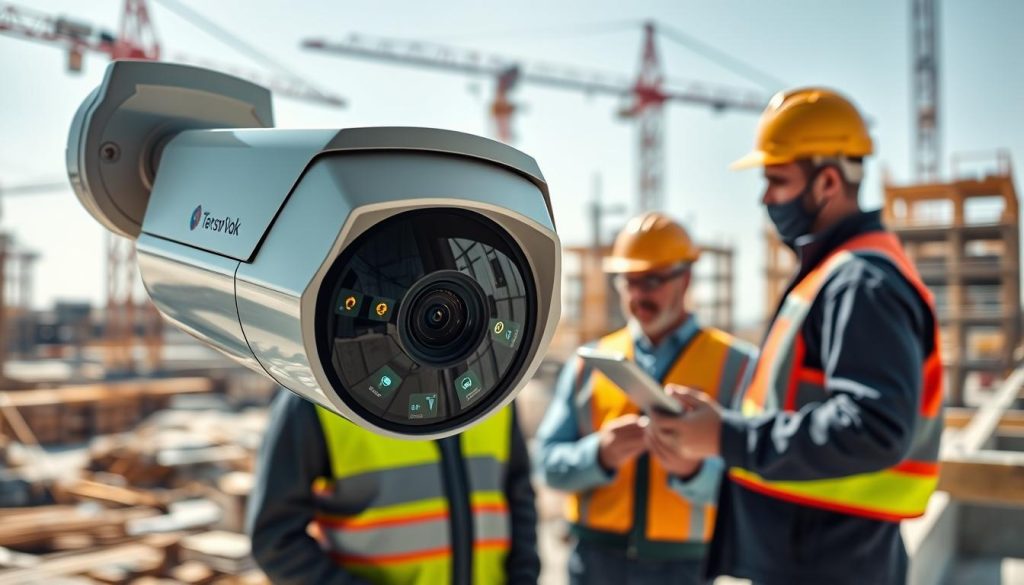
Veteran workers might be hesitant about new monitoring systems. Explain how AI-powered CCTV keeps them safe. Tell them it’s for hazard prevention, not watching them.
Involve your team in setting up the system. This builds trust. Show them how it spots risks in real-time. Transparency is the key to winning over your team.
Troubleshooting Connectivity Issues in Remote Locations
Connectivity is a big challenge in remote areas. Managers should invest in backup networks. This ensures data keeps flowing.
Use edge computing for local data processing. This keeps your job site efficiency high, even with internet issues. Do not let poor infrastructure limit your progress; there’s always a solution.
Scaling Solutions from Pilot Projects to Full-Scale Operations
Start small with a pilot project. This lets you test without breaking the bank. Once it works, expand it to the whole site. A phased rollout helps teams adjust smoothly.
Keep data privacy tight as you grow. Make sure storage policies stay the same, even with more data. Scaling wisely means your investment pays off in the long run.
Conclusion
Modern video analytics changes how you handle big construction projects. It turns raw video into useful info that keeps workers safe and saves money.
You can now make your work better and watch over every site activity closely. My aim is to help you be ready for problems before they cause big delays.
Success means using new tech while keeping data safe. This builds trust with your team and follows the law.
Start with one small project to see how it helps. Check how it improves safety and work speed. Then, grow your use of these tools to make your team’s work safer and more efficient.